BUSINESS IDEAS
How to Boost Consumer Conversion, Acquisition, and Retention
Turning potential customers into loyal buyers takes more than a great product or an effective...
Learn More

 June 3, 2024
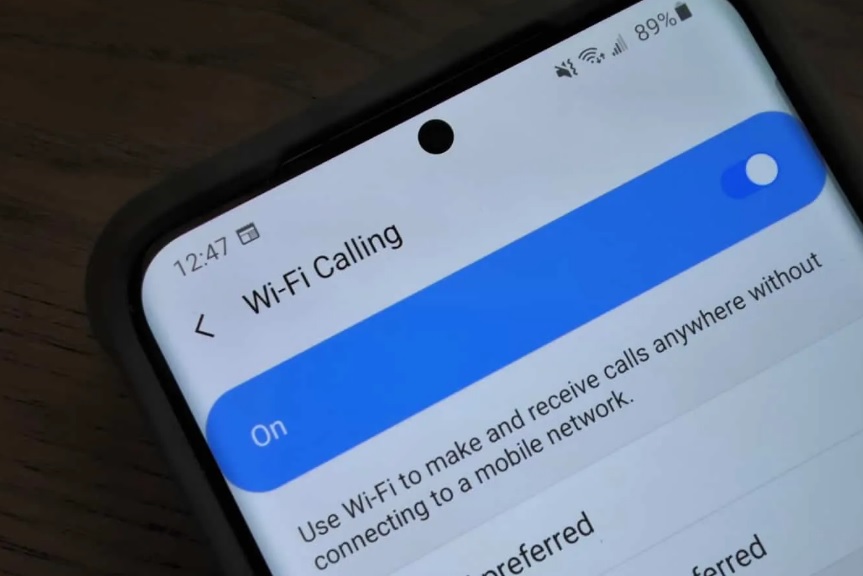
Even if you don’t have a mobile signal, you can make phone calls on your Samsung phone. You can make calls over a Wi-Fi network instead of your phone’s network if you have a Samsung S5 or higher and access to a cellular network. It isn’t allowed by default, but it is simple to allow.
Related: Way on How to Unlocked Your Samsung Phone
Instead of using your phone network, Wi-Fi calling uses your wireless network to make calls. If you have spotty phone coverage in some parts of your home or are visiting somewhere with excellent Wi-Fi but poor phone service, it can be extremely useful.
Wi-Fi connections used to be less secure than they are now, so Wi-Fi calling wasn’t always a viable choice. There aren’t many reasons to stop Wi-Fi calling, but there are a few problems that may occur. For starters, it will use your data plan, which means that if you have a limited data limit on your wireless data usage, Wi-Fi calling will deplete it.
Also, Read: The Best Free Texting And Calling Apps For iOS and Android
You’re still more likely to drop a call if your wireless connection is bad. To be successful, Wi-Fi calling requires a strong signal.
Become a JNA Dealer & Sell Samsung Mobile Products
1. There are a variety of ways to allow Wi-Fi calling. The first is in the settings app on your computer.
2. Make sure you’re connected to the internet through Wi-Fi.
3. Tap Connections after opening your phone’s settings.
4. Now, Touch the switch next to Wi-Fi Calling.
This feature can also be turned on in the Phone app. To turn it on, follow the steps below.
1. Tap the Phone from your phone’s home screen.
2. To access the settings, tap the Menu or More icon.
3. Switch on Wi-Fi Calling.
Telecom Lead Management: Follow Up Without Losing Sales
Oct 19, 2026

Franchise Law Basics: What Every Owner Should Know
Oct 16, 2026
How Cox Business Products Help Dealers Drive Growth
Oct 15, 2026
7 Reasons to Become a Vivint Authorized Reseller
Oct 14, 2026

Why Become an Internet Provider Dealer? 7 Key Benefits
Oct 13, 2026


9
Oct, 2026
BUSINESS IDEAS
Turning potential customers into loyal buyers takes more than a great product or an effective...
7
Sep, 2026
HOME SECURITY
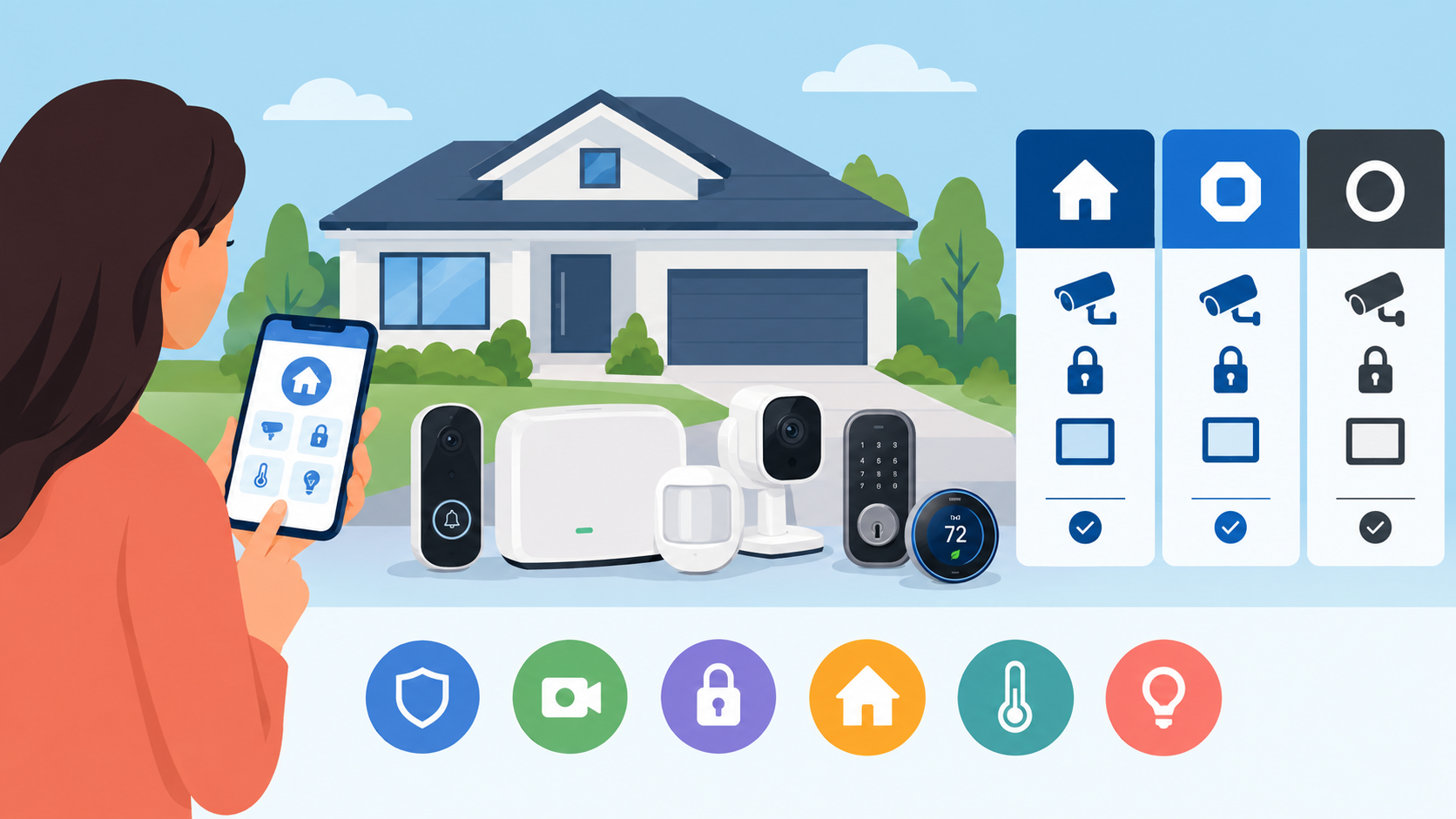
Choosing the right home security system is about more than installing a few cameras or...

19
Aug, 2026
HOME SECURITY
Customer lifetime value telecom dealer performance depends on one core metric — CLV — the...