BUSINESS IDEAS
Do You Need a Physical Location for a Small Business?
Do you need a physical location to run a small business? Not necessarily. Many modern...
Learn More

 August 3, 2026
You just upgraded your internet plan to a gig, yet your video calls still freeze and your streaming buffers during peak hours. Sound familiar?
Here’s the thing most people miss: your internet plan is only half the story. The router in your closet decides whether you actually feel that speed. And after years of incremental updates, Wi-Fi 7 is the first standard designed for homes with serious bandwidth to burn.
If you’ve seen “Wi-Fi 7” on router boxes and phone spec sheets and wondered what the fuss is about, this guide breaks it down in plain English. We’ll cover what it is, how fast it really is, whether your household should upgrade in 2026, and how to get it set up without overpaying.
Wi-Fi 7 is the latest generation of wireless networking, built on the IEEE 802.11be standard and certified by the Wi-Fi Alliance. It’s the successor to Wi-Fi 6 and Wi-Fi 6E, and it’s the first standard designed from the ground up for gigabit-class home internet.
Think of it as adding lanes to a highway. Older Wi-Fi standards could only move traffic over one or two lanes at a time. Wi-Fi 7 can use three lanes at once, each wider than before, while also packing more data into every trip.
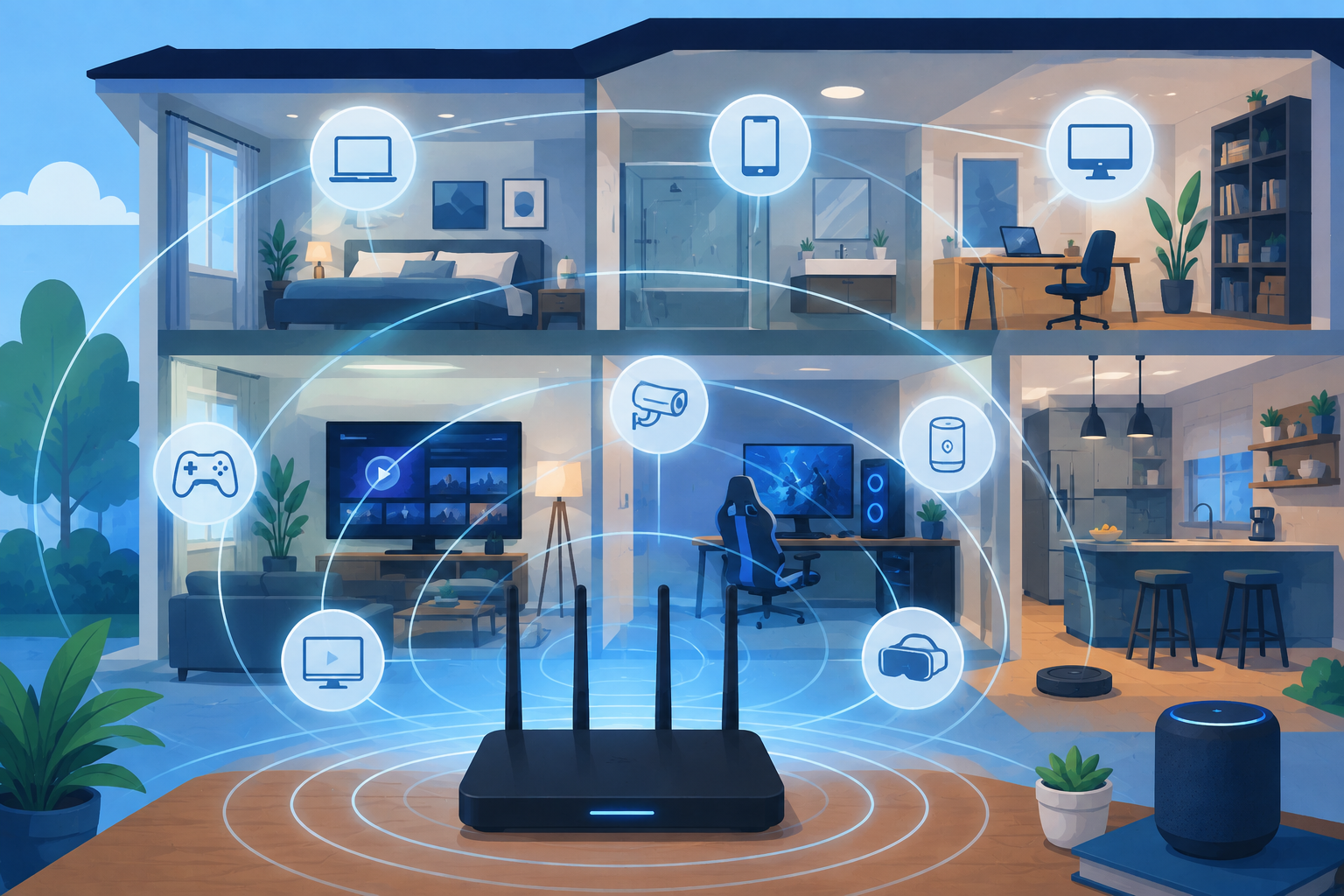
The result is three things people actually notice: higher speeds, lower latency, and better performance when lots of devices share the same network. That last one matters more than you might think. The average household now runs dozens of connected gadgets, and even Wi-Fi 6 was showing strain under that load.
Each Wi-Fi generation has solved a specific problem. Wi-Fi 6 (2019) improved speeds and efficiency in crowded homes. Wi-Fi 6E (2021) opened up the 6 GHz band, giving devices a less congested radio lane. Wi-Fi 7 (2024) is the big jump: it doubles the channel width, adds multi-link operation, and upgrades the signal modulation.
Here’s a quick look at how the generations stack up:
| Generation | Year introduced | Bands used | Max channel width | Max theoretical speed |
|---|---|---|---|---|
| Wi-Fi 6 | 2019 | 2.4 + 5 GHz | 160 MHz | 9.6 Gbps |
| Wi-Fi 6E | 2021 | 2.4 + 5 + 6 GHz | 160 MHz | 9.6 Gbps |
| Wi-Fi 7 | 2024 | 2.4 + 5 + 6 GHz | 320 MHz | 46 Gbps |
Industry analysts describe Wi-Fi 7 as the first “carrier-class” Wi-Fi, reliable enough that internet providers can guarantee gigabit speeds throughout a home, not just right next to the router. For the rest of us, it simply means Wi-Fi that keeps up with modern life.
On paper, Wi-Fi 7 is a monster. It supports theoretical speeds up to 46 Gbps, nearly five times the 9.6 Gbps ceiling of Wi-Fi 6.
Before you get excited, remember that theoretical numbers never happen in real homes. What you’ll actually get depends on your internet plan, router placement, and how many walls sit between you and the signal. In the real world, Wi-Fi 7 delivers multi-gigabit speeds in ideal conditions and comfortably gigabit speeds in normal ones.
The more meaningful upgrade isn’t raw speed anyway. It’s consistency. Wi-Fi 7 keeps speeds steady as you move through the house and as more devices pile onto the network. That’s why the whole family can stream, game, and video-call at the same time without the usual slowdowns.
Here’s the honest part: a Wi-Fi 7 router cannot create bandwidth. If your internet plan tops out at 300 Mbps, that’s the ceiling no matter which router you buy. Wi-Fi 7 pays off once your plan hits gigabit speeds or higher.
If you’re on a slower plan, the router upgrade can wait. Our guide on maximizing your internet speed with Cox Panoramic Wi-Fi shows how much difference equipment settings and placement make even before you change anything else.
Wi-Fi 6E was the first to open up the 6 GHz band, and Wi-Fi 7 builds directly on that foundation. But three upgrades separate them:
320 MHz channels. Wi-Fi 6E tops out at 160 MHz-wide channels. Wi-Fi 7 doubles that to 320 MHz in the 6 GHz band, creating a much wider data path. Think of a two-lane road becoming a four-lane freeway.
Multi-Link Operation (MLO). This is Wi-Fi 7’s biggest trick. Instead of connecting over one band at a time, a Wi-Fi 7 device talks to the router over 2.4 GHz, 5 GHz, and 6 GHz simultaneously. If one band gets congested, traffic flows over the others without dropping the connection. The payoff is lower latency and fewer dead spots, which genuinely helps gaming, video calls, and AR apps.
4K-QAM modulation. Wi-Fi 7 packs roughly 20 percent more data into each wireless signal than Wi-Fi 6. It’s the kind of efficiency gain that shows up when many devices compete for airtime.
There’s also smarter resource sharing, so routers can juggle dozens of devices without slowing everyone down.
Yes. Wi-Fi 7 routers are fully backward compatible with Wi-Fi 6, Wi-Fi 5, and older devices. Your 2018 laptop and smart TV will connect just fine, they’ll simply run at their own top speeds. Only devices with Wi-Fi 7 chips get the new benefits.
This is the question everyone asks, and the honest answer is: it depends on your setup.
By 2026, most flagship phones, including recent iPhone and Galaxy models, ship with Wi-Fi 7 support. If you’re already paying for a device that can use it, the router upgrade completes the picture.
The technology is exciting, but a Wi-Fi 7 router only helps if something in your home can actually use it. Upgrading before your plan or devices catch up means paying for performance you can’t feel.
Wi-Fi 7 needs both ends. A Wi-Fi 7 phone connected to a Wi-Fi 6 router runs at Wi-Fi 6 speeds. A Wi-Fi 6 laptop connected to a Wi-Fi 7 router also runs at Wi-Fi 6 speeds. Full benefits require a Wi-Fi 7 router and Wi-Fi 7 devices working together.
Every Wi-Fi 7 certified device requires WPA3, the latest Wi-Fi security standard, which makes it harder for intruders to crack your network. That’s a real win as homes fill up with cameras, locks, thermostats, and other smart devices.
But the router is only one piece of the puzzle. A strong password, a separate guest network for visitors, and regular firmware updates still matter. Our guide to safe Wi-Fi practices covers the basics of guarding your network, and if you’re building out a smart home, these smart home network security tips are worth reading before you add more gadgets to the mix.
Once you’ve decided the timing is right, the setup is straightforward.
Start with your internet provider. Many providers now include Wi-Fi 7 gateways with gigabit plans, which can save you the cost of buying a router outright. Ask your provider or a local dealer what they offer before you spend money on your own hardware.
If you buy your own, look for the Wi-Fi 7 Certified label and the BE prefix in model names, such as BE9300 or BE11000, which tells you which speed class a router targets. Then choose between a traditional router and a mesh system. A single strong router handles most apartments and smaller homes. Mesh systems, which blanket the house with signal from multiple nodes, are worth it for larger or multi-story homes, since Wi-Fi 7 mesh kits use the 6 GHz band for a faster wireless connection between nodes.
Wi-Fi 7 pairs best with fast internet. Fiber connections are ideal, and we’ve explained why fiber optic internet is the future of home connectivity. If your current plan is slow, compare what’s available in your area, because switching internet providers to a faster option might be the cheaper half of the upgrade.
Not sure where to start? Our step-by-step guide to getting home Wi-Fi set up and secured walks through the basics, including how to pick a router that fits your space and how to protect your network once it’s running.
For households with gigabit internet, multiple Wi-Fi 7 devices, or constant network congestion, yes. For everyone else, it’s a nice-to-have, not a must-have. Prices have dropped since the first models launched, and providers increasingly bundle Wi-Fi 7 hardware with faster plans, which lowers the cost of entry further.
Yes, every certified Wi-Fi 7 router works with older devices. They connect using their own supported standard, so a Wi-Fi 5 laptop or a Wi-Fi 6 phone will function normally, just without the new features.
Not strictly. But Multi-Link Operation’s lower latency and steadier connection make a real difference for competitive online play, especially in homes where other people are streaming or downloading at the same time.
You’ll feel the biggest benefit with a gigabit plan or faster. On plans under 500 Mbps, a good Wi-Fi 6 or Wi-Fi 6E router will perform nearly as well, since your internet connection is the limiting factor either way.
Wi-Fi 7 is the real deal, and 2026 is the year it stops being a niche spec and becomes the default. Router prices have come down, providers are bundling Wi-Fi 7 hardware with gigabit plans, and new phones, laptops, and TVs support it out of the box.
Buy it if you have the speed and the devices to use it. Hold off if your current setup works fine. And either way, when your next phone or plan upgrade rolls around, Wi-Fi 7 will be waiting, and it will make everything feel a little smoother.

Telecom Lead Management: Follow Up Without Losing Sales
Oct 19, 2026

Franchise Law Basics: What Every Owner Should Know
Oct 16, 2026

How Cox Business Products Help Dealers Drive Growth
Oct 15, 2026

7 Reasons to Become a Vivint Authorized Reseller
Oct 14, 2026

Why Become an Internet Provider Dealer? 7 Key Benefits
Oct 13, 2026


1
Oct, 2026
BUSINESS IDEAS
Do you need a physical location to run a small business? Not necessarily. Many modern...

10
Sep, 2026
COX DEALER
Social media has become one of the most effective ways for dealerships to attract prospects,...

3
Dec, 2025
INTERNET BUSINESS
Welcome to the world of Xfinity, where entertainment knows no bounds! Whether you're a fan...