DIALER
Recurring Revenue Model for Internet Service Resellers
Internet service resellers can build a recurring revenue business by earning commissions from active customer...
Learn More

 April 27, 2026
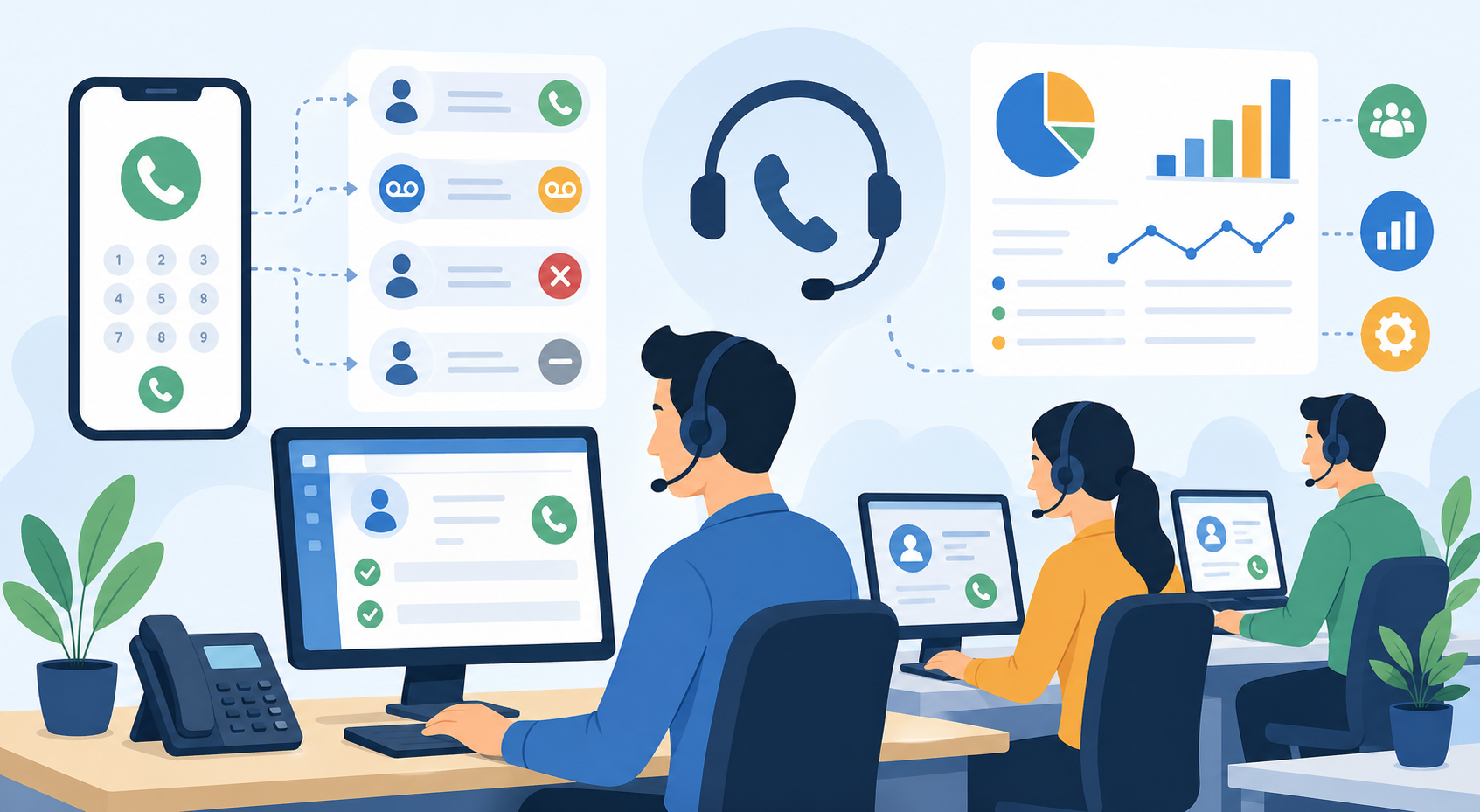
An auto dialer system can make a major difference in how efficiently your business handles outbound calls, follow-ups, lead nurturing, and customer communication. Instead of asking sales agents or support teams to dial numbers manually, an auto dialer helps automate the calling process so your team can spend more time having real conversations.
For growing businesses, every missed call, delayed follow-up, or wasted minute can affect productivity and revenue. A reliable auto dialer service for business call management helps reduce manual work, improve call flow, and give your team better tools to connect with prospects and customers.
When used correctly, an auto dialer system is not just about making more calls. It is about making smarter calls, tracking performance, organizing customer data, and helping agents focus on the conversations that matter most.
An auto dialer system is software or a device that automatically dials phone numbers from a contact list. Once a call connects, the system can determine whether it reached a live person, voicemail, busy tone, disconnected number, or automated response.
If a live person answers, the system can transfer the call to an available sales agent or call representative. If the call reaches voicemail, the system may leave a pre-recorded message or log the result for future follow-up.
This removes the need for agents to manually dial each number, wait through ringing, deal with disconnected lines, and record every outcome by hand.
The result is a smoother and more productive calling process. Your team can focus on speaking with qualified prospects instead of spending most of the day managing repetitive dialing tasks.
Manual dialing may work when your business is small and your contact list is limited. But as your leads, customers, and follow-up tasks grow, manual calling becomes harder to manage.
Agents often waste valuable time dialing numbers that do not answer, reach voicemail, or are no longer active. They may also forget to update call notes, miss follow-ups, or spend too much time switching between spreadsheets, phones, and customer records.
Over time, these small delays add up.
A sales team that manually dials hundreds of numbers per day can lose hours on unproductive call attempts. That time could be spent closing deals, answering questions, confirming appointments, or building stronger customer relationships.
An auto dialer system helps solve this by automating repetitive call tasks and allowing your team to work with better structure.
One of the biggest advantages of using an auto dialer system is the increase in productivity. Since the system handles dialing automatically, agents can move from one connected call to the next with less downtime.
This means fewer pauses between conversations and less time wasted on unanswered numbers.
A strong automated dialer system for sales teams can help businesses contact more leads in less time while keeping the process organized and measurable.
The system can also detect call outcomes such as busy tones, disconnected numbers, unanswered calls, and voicemail responses. This helps your team avoid unnecessary manual tracking and gives managers a clearer view of call activity.
When agents spend more time talking and less time dialing, the entire sales process becomes more efficient.
A dialer system can detect agent availability and route calls to the right person at the right time. If an agent is already on a call, the system can wait until another agent becomes available before transferring a connected call.
This helps prevent missed opportunities and keeps the call flow balanced.
Instead of overwhelming one agent while another sits idle, the system can distribute calls more effectively across the team. This is especially useful for businesses with multiple sales agents, support representatives, or appointment setters.
Better routing also improves the customer experience. Prospects are more likely to speak with someone quickly, and agents are better prepared to handle each conversation.
Consistent follow-up is one of the most important parts of sales and customer service. Many leads do not convert after the first contact. They may need reminders, additional information, or a second conversation before making a decision.
An auto dialer system helps businesses stay consistent with follow-ups.
Instead of relying on agents to remember who to call next, the system can organize call lists and help move contacts through a structured process. This makes it easier to follow up with prospects, reconnect with previous customers, and reach people at the right time.
Businesses can also use dialer tools to support email and text campaigns. When call history, text exchanges, documents, and customer notes are stored in one place, agents can communicate with more context.
That context helps conversations feel more personal and professional.
Many auto dialer systems include CRM features that help businesses manage customer information. A CRM can store contact history, documents, call recordings, text messages, notes, and other important details.
This gives your team a central place to review past interactions before making the next call.
For example, if a customer asked about pricing last week, the agent can see that note before calling again. If a prospect received a text campaign or email, the team can understand what information has already been shared.
This level of organization helps reduce confusion and improves the quality of customer conversations.
A dialer system with CRM functionality can also make it easier for managers to review performance, monitor activity, and understand which campaigns are producing results.
A good auto dialer system does more than place calls. It also provides analytics and detailed reports that help business owners and managers understand performance.
These reports may include total calls made, answered calls, missed calls, call duration, agent activity, voicemail results, and conversion-related data.
With this information, businesses can identify what is working and what needs improvement.
For example, you may discover that certain call times produce better answer rates. You may see that one campaign performs better than another. You may also notice which agents are handling the most calls or need additional training.
Without reporting, it is hard to improve your calling strategy. With reporting, you can make decisions based on real data instead of guesswork.
An auto dialer system can support revenue growth by helping your team reach more prospects, follow up faster, and manage sales conversations more efficiently.
More connected calls can create more opportunities. Faster follow-ups can reduce lost leads. Better organization can help agents close more deals.
However, the system alone does not guarantee higher revenue.
Your business still needs a strong offer, trained agents, good customer service, and a clear sales process. An auto dialer improves the system around your team, but your team still needs to deliver value during every conversation.
The best results happen when technology and customer service work together.
While an auto dialer system can improve speed and efficiency, it should never make your business feel impersonal. Customers still want to speak with people who listen, understand their needs, and provide helpful answers.
That is why your dialer strategy should support customer service, not replace it.
Agents should be trained to handle calls professionally, answer questions clearly, and respect the customer’s time. The goal is not simply to call more people. The goal is to create better conversations at scale.
A business that combines an efficient dialer system with strong customer support can build trust while improving productivity.
Before choosing an auto dialer system, it is important to understand your business needs. Not every company requires the same features.
Some businesses need a simple outbound calling tool. Others need advanced CRM integration, call recording, campaign management, text messaging, and detailed reporting.
Think about how your team currently handles calls. Are agents wasting time dialing manually? Are follow-ups being missed? Do you need better reporting? Do you want to manage customer data in one place?
The right dialer should match your workflow, team size, sales process, and communication goals.
A small business may need a simple and easy-to-use setup, while a larger team may need more advanced routing, analytics, and CRM tools.
When comparing auto dialer systems, focus on features that directly support productivity and customer communication.
Look for automatic dialing, call detection, voicemail handling, agent availability tracking, CRM tools, call recordings, detailed reports, and campaign management.
It is also helpful to choose a system that supports email or text campaigns if your business uses multiple communication channels.
The more organized your communication process is, the easier it becomes to manage leads and customers from one place.
A dependable business auto dialer with CRM and reporting features can help your team work faster while keeping customer information easier to access and manage.
Your business may need an auto dialer system if your team makes a high volume of outbound calls or struggles to keep up with follow-ups.
It may also be useful if your agents spend too much time dialing manually, tracking calls in spreadsheets, or updating customer records across multiple platforms.
If your business depends on lead generation, appointment setting, customer follow-up, collections, surveys, or sales outreach, an auto dialer can help create a more efficient process.
The system becomes especially valuable when your team is growing and manual calling no longer feels manageable.
Some businesses assume an auto dialer is only useful for large call centers. That is not always true. Many small and mid-sized businesses can benefit from call automation, especially if they rely on consistent outbound communication.
Another misconception is that auto dialers make calls feel robotic. In reality, the system handles the repetitive dialing process, while your agents still manage the human conversation.
The quality of the customer experience depends on how your team uses the tool.
If your agents are prepared, respectful, and helpful, an auto dialer can improve efficiency without reducing the personal touch.
An auto dialer system automatically dials phone numbers from a contact list and connects answered calls to available agents. It can also detect voicemail, busy tones, unanswered calls, and disconnected numbers.
Yes. An auto dialer can help sales teams make more calls, reduce idle time, improve follow-up consistency, and track campaign performance through reports and analytics.
No. An auto dialer does not replace agents. It helps agents work more efficiently by removing repetitive manual dialing tasks and giving them better access to customer information.
Yes. CRM features are important because they help store customer history, call notes, documents, recordings, text exchanges, and other useful details in one place.
It can, as long as your team uses it properly. The system can improve response time and organization, but strong customer service still depends on trained agents and helpful communication.
An auto dialer system can help your business save time, improve productivity, organize customer data, and create a smoother outbound calling process. It allows agents to spend less time dialing manually and more time speaking with prospects and customers.
With features like call detection, agent routing, CRM tools, email and text campaign support, analytics, and detailed reporting, a dialer system can become a valuable part of your sales and customer communication strategy.
Still, the technology works best when paired with strong customer service and a clear sales process. The right auto dialer system helps your team work smarter, but your people are still the reason customers choose to trust your business.
Telecom Lead Management: Follow Up Without Losing Sales
Oct 19, 2026

Franchise Law Basics: What Every Owner Should Know
Oct 16, 2026
How Cox Business Products Help Dealers Drive Growth
Oct 15, 2026

7 Reasons to Become a Vivint Authorized Reseller
Oct 14, 2026

Why Become an Internet Provider Dealer? 7 Key Benefits
Oct 13, 2026


15
Sep, 2026
DIALER
Internet service resellers can build a recurring revenue business by earning commissions from active customer...
21
Aug, 2026
DIALER
Building a multi-location telecom dealership takes planning. You need three things before opening a second...

20
Aug, 2026
DIALER
Cox Communications is being acquired by Charter Communications and rebranded under the Spectrum name —...