BUSINESS IDEAS
How to Boost Consumer Conversion, Acquisition, and Retention
Turning potential customers into loyal buyers takes more than a great product or an effective...
Learn More


 June 3, 2024
Things to know:
Swipe down from the top right corner. The batter is in the top right corner next to the battery icon.
– Tap and hold the screen until the icons start wiggling. Tap +> Batteries> choose the widget style > Add Widget > Done.
We will explain how to see the battery percentage on the iPhone 12 as well as how to have it available on your home screen.
You had to turn on the battery percentage option on earlier versions of iOS to see this data. Not on the 12th iPhone! The battery percentage option is on by default these days. You just need to know where to find it.
1. Swipe down from the top right corner of the iPhone 12 screen to open Control Center.
2. On your screen at the top right corner next to the battery icon you will see the percentage and how much battery you have left.
3. Tap on the background to close Control Center Again.
If all you want to be able to do is check the battery percentage regularly, then that’s all you have to do. Consider adding a widget to your home screen if you want to conveniently keep track of the state of the battery.
It’s good to have widgets in iOS 14 that is pre-loaded on the iPhone 12, you can add a battery percentage widget to your home screen.
Here’s how:
1. Click and Hold the screen until the icons start moving
2. Click +
3. Widgets will pop-up, tap Batteries
4. Choose the type of widget that you want to use. To view the options, swipe back and forth. The Battery Widget will also display battery details, such as Apple Watch or AirPods, for Apple devices connected to your computer.
5. Click Add Widget
6. Your home screen is added to the widget. Shift it to the place where you want it and press the Finished button.
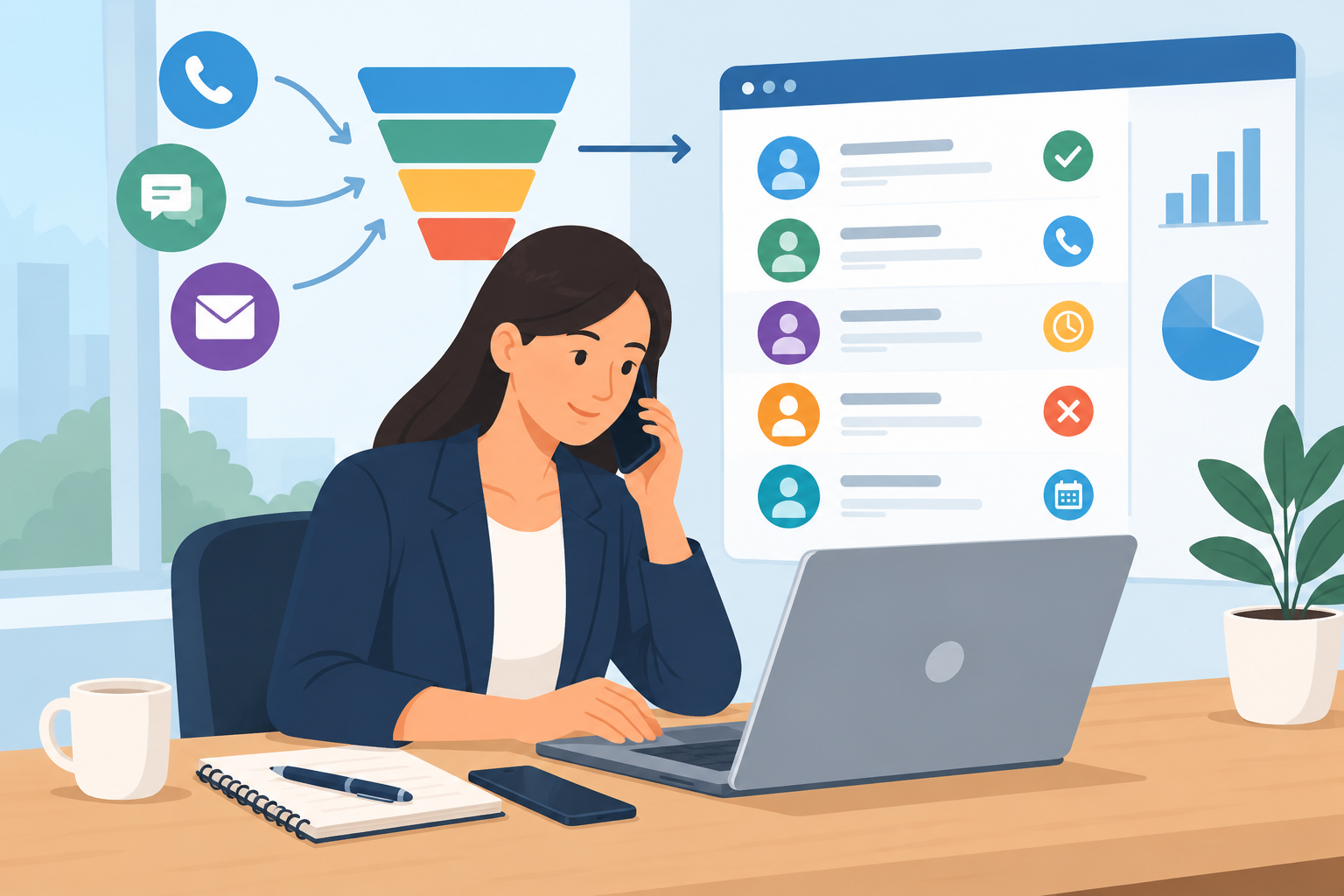
Telecom Lead Management: Follow Up Without Losing Sales
Oct 19, 2026

Franchise Law Basics: What Every Owner Should Know
Oct 16, 2026
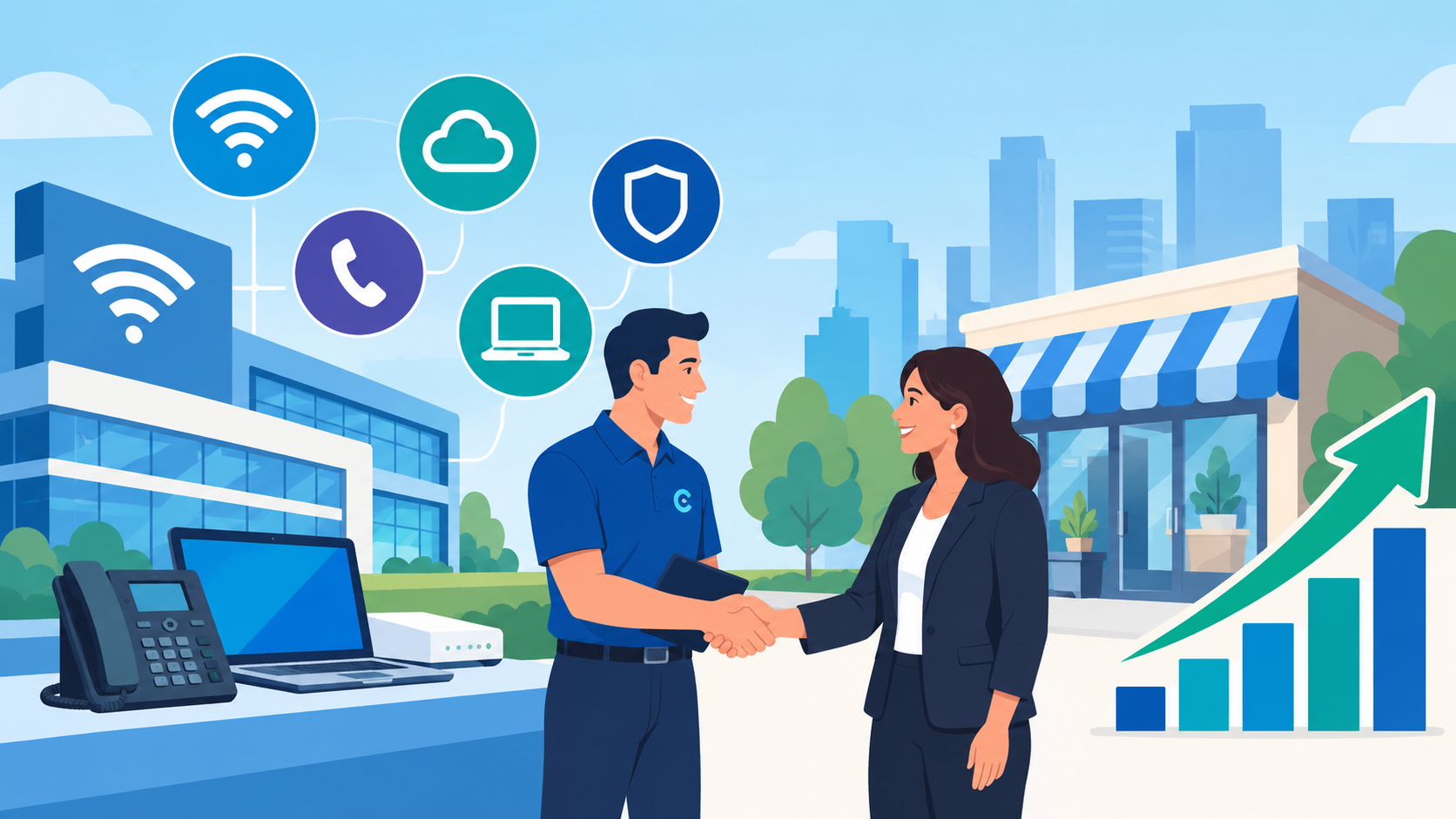
How Cox Business Products Help Dealers Drive Growth
Oct 15, 2026
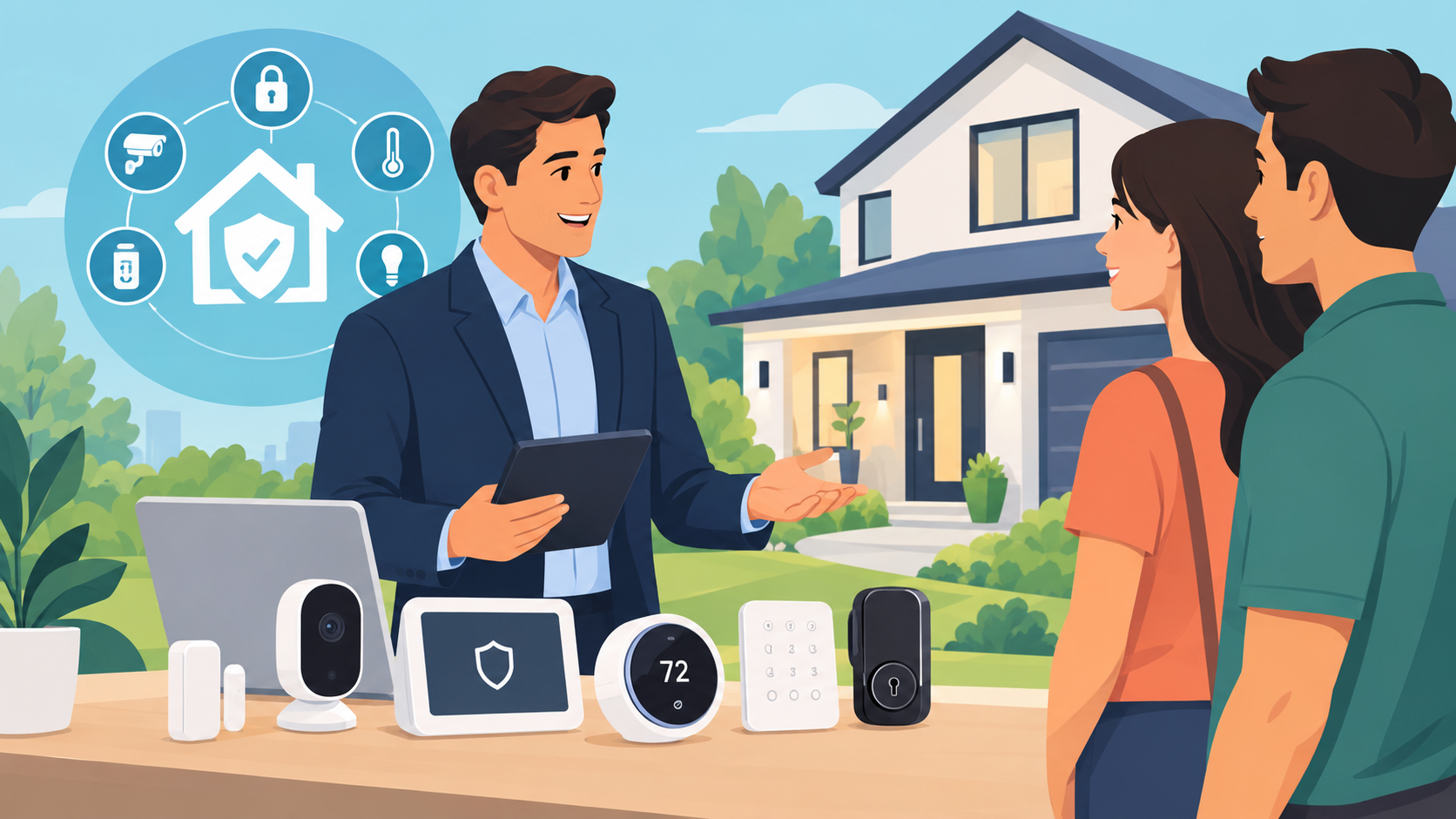
7 Reasons to Become a Vivint Authorized Reseller
Oct 14, 2026

Why Become an Internet Provider Dealer? 7 Key Benefits
Oct 13, 2026


9
Oct, 2026
BUSINESS IDEAS
Turning potential customers into loyal buyers takes more than a great product or an effective...
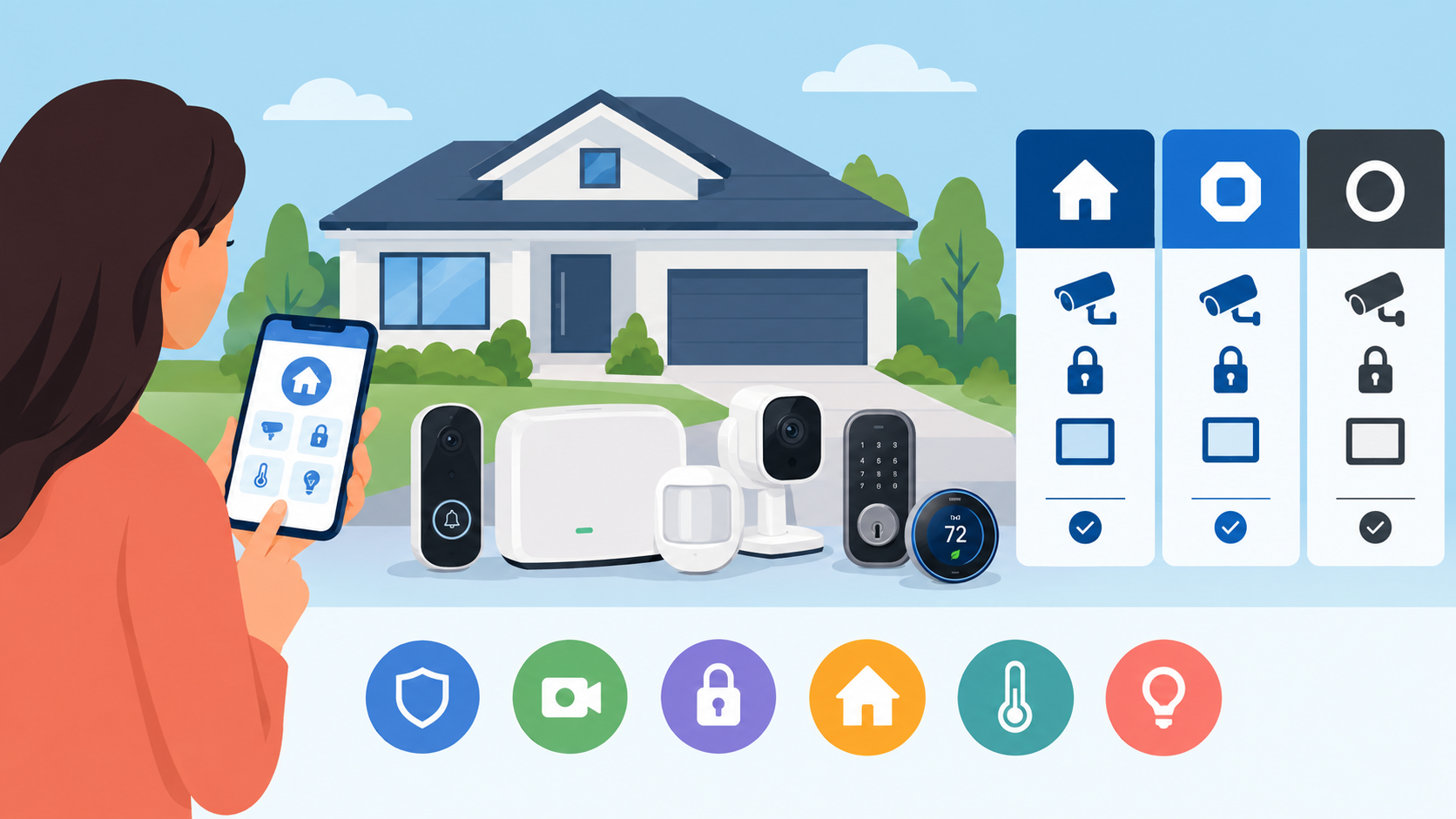
7
Sep, 2026
HOME SECURITY
Choosing the right home security system is about more than installing a few cameras or...

19
Aug, 2026
HOME SECURITY
Customer lifetime value telecom dealer performance depends on one core metric — CLV — the...