BUSINESS IDEAS
How to Boost Consumer Conversion, Acquisition, and Retention
Turning potential customers into loyal buyers takes more than a great product or an effective...
Learn More

 June 3, 2024
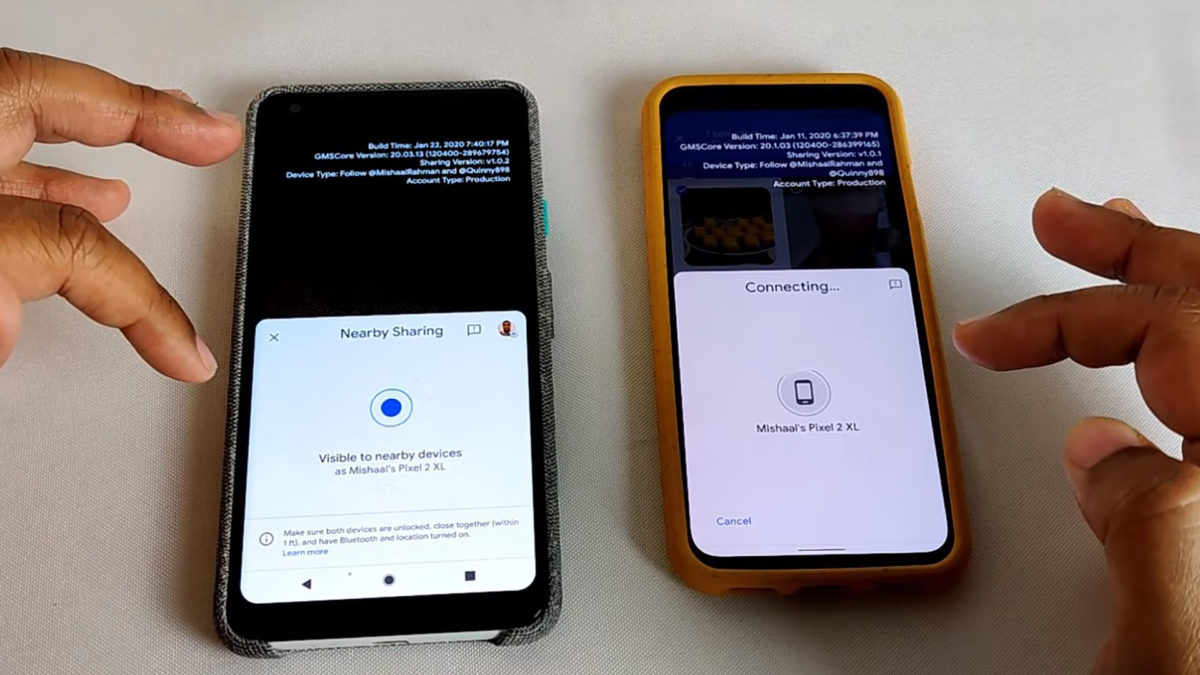
This article will show you how to use Nearby Share to send and receive images, links, and files with other Android users on compatible devices (some Android devices, Pixels, and Samsung devices).
Nearby Share lets you share images, web pages, and files with other Android users in real-time. It’s already on some Android phones, and it’ll be on more in the future, including Chromebooks. It works whether you’re online or offline, using Bluetooth, Wi-Fi, or WebRTC.
Also, Read: How to Remove Bloatware from an Android Phone
Nearby Share must be enabled on both the sender’s and receiver’s devices.
***Note
Both parties must be in each other’s contacts in order to use Nearby Share. You have the option of sharing with all contacts, selecting contacts, or hiding your device. You can share with others if your device is hidden, but they cannot share with you.
It’s fairly simple to swap data once everything is set up and you’re with someone who also has Nearby Share. We’ll use a web page as an example, but this technique can be applied to any file, photo, or other items with a share button.
The sent file will open in the app that has been assigned to open that type of file on your recipient’s device. It was in Google Chrome, the phone’s default browser, in this case. Other files will be handled in accordance with Android’s guidelines.
For the time being, Nearby Share is only available on Pixel and Samsung Galaxy phones. In the coming months, Google will roll out the feature to other OEMs. If you don’t have one of those phones but want Nearby Share right now, you can join the Google Play Services Nearby Share beta program.
Nearby Share is similar to Apple’s AirDrop, which allows you to send files, images, and URLs via Wi-Fi or Bluetooth to other Apple devices. Although the two services are very similar, there are two major differences:
Nearby Share also supports WebRTC in addition to Bluetooth and Wi-Fi.
Users aren’t restricted to using only one type of device. Users of Samsung devices will share with Google Pixel users for the time being, and the list will grow to include other OEMs in the future.
Telecom Lead Management: Follow Up Without Losing Sales
Oct 19, 2026

Franchise Law Basics: What Every Owner Should Know
Oct 16, 2026
How Cox Business Products Help Dealers Drive Growth
Oct 15, 2026
7 Reasons to Become a Vivint Authorized Reseller
Oct 14, 2026

Why Become an Internet Provider Dealer? 7 Key Benefits
Oct 13, 2026


9
Oct, 2026
BUSINESS IDEAS
Turning potential customers into loyal buyers takes more than a great product or an effective...
7
Sep, 2026
HOME SECURITY
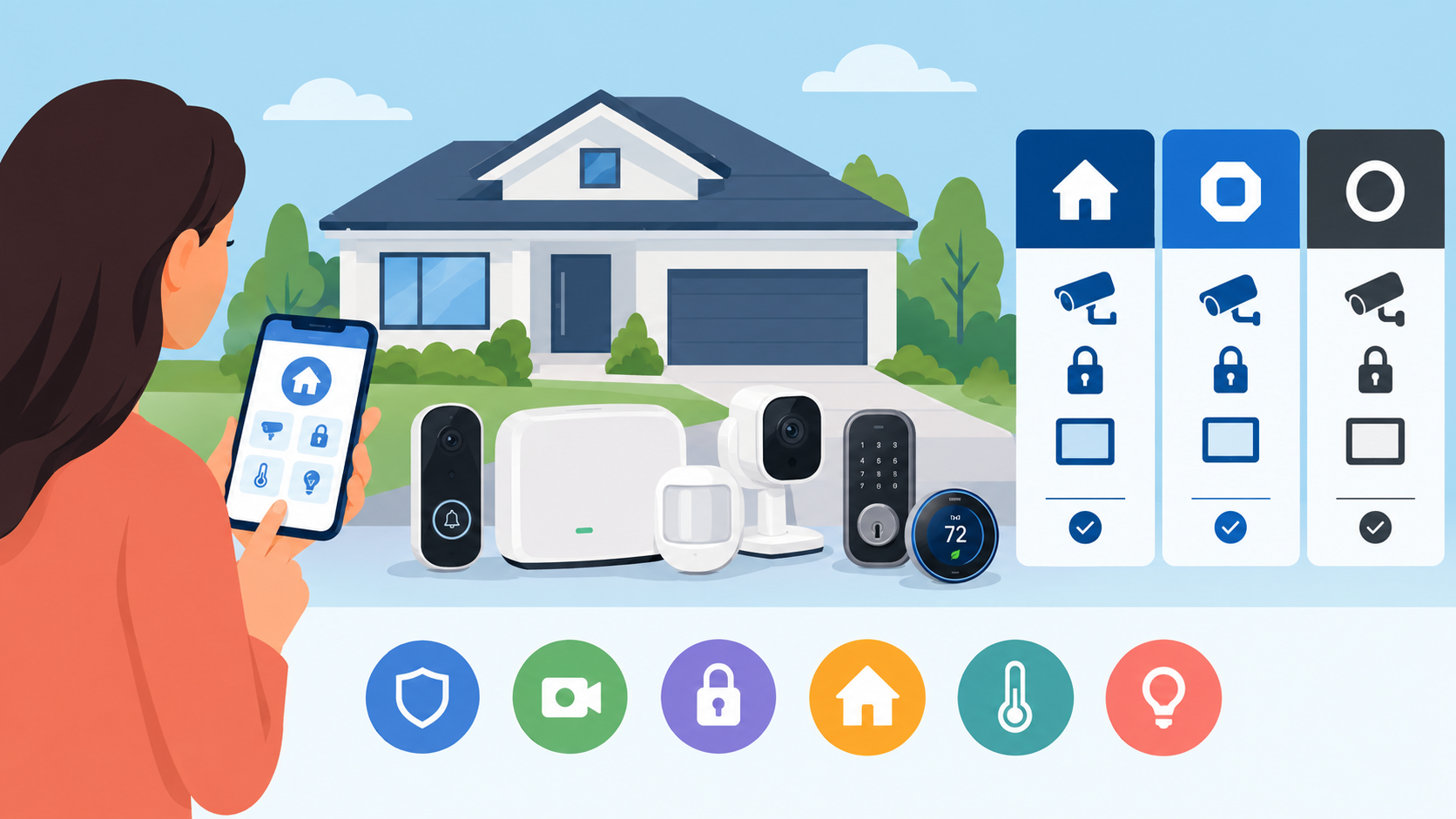
Choosing the right home security system is about more than installing a few cameras or...

19
Aug, 2026
HOME SECURITY
Customer lifetime value telecom dealer performance depends on one core metric — CLV — the...