SPECTRUM INTERNET
Spectrum TV Choice Plan: Channels, Benefits & Dealer Guide (Updated)
Choosing the right TV package has become more important than ever as customers look for...
Learn More


 June 3, 2024
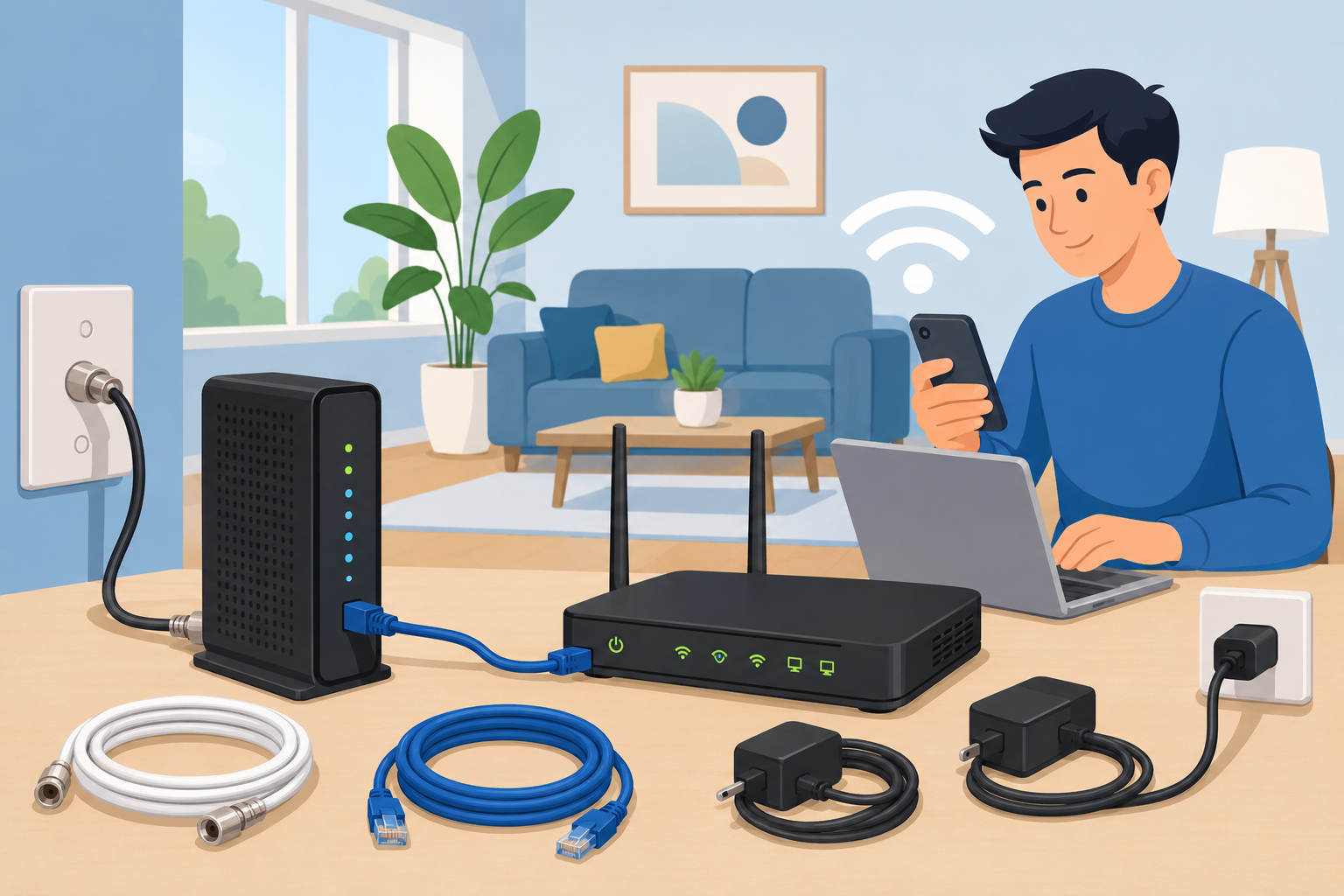
Ensuring the security of your home network is very important nowadays. One of the most effective ways to protect your network is by setting up a firewall and enhancing security settings on your Spectrum cable modem. This comprehensive guide details the steps to configure your modem’s firewall and security settings to ensure your network remains safe from cyber threats.
To begin setting up your firewall and security settings, access your Spectrum modem’s configuration page. Follow these steps:
Most Spectrum modems offer different security levels for the firewall. These levels may include:
Advanced users have the option to establish custom firewall rules to define the types of traffic that are permitted or restricted. To set up custom rules:
A firewall serves as a boundary between your internal and external networks, like the Internet. It observes and manages incoming and outgoing network traffic according to established security regulations. By establishing a strong firewall, you are able to:
Aside from setting up the firewall, there are several additional security steps that can be implemented to safeguard your Spectrum modem and network:
Remember to always keep your modem’s firmware updated to make sure you have the most recent security fixes and performance enhancements. Look for firmware updates in the Firmware or Update section of the settings menu. If there’s an update available, just follow the on-screen instructions to complete the installation.
To prevent unauthorized users from accessing your modem’s settings over the internet, you should disable remote management.Find the Remote Management option in the settings menu and make sure that it is switched off.
To maintain the security of your Spectrum modem and network, it is essential to monitor and perform maintenance tasks regularly:
Setting up a firewall and enhancing the security settings on your Spectrum modem is a crucial step in protecting your home network from cyber threats.
If you are interested in providing these services, consider becoming a JNA Dealer. You can learn more about selling Spectrum products and access all necessary information by visiting Become a JNA Dealer & Sell Spectrum Products.

Telecom Lead Management: Follow Up Without Losing Sales
Oct 19, 2026

Franchise Law Basics: What Every Owner Should Know
Oct 16, 2026

How Cox Business Products Help Dealers Drive Growth
Oct 15, 2026

7 Reasons to Become a Vivint Authorized Reseller
Oct 14, 2026

Why Become an Internet Provider Dealer? 7 Key Benefits
Oct 13, 2026


30
Jun, 2026
SPECTRUM INTERNET
Choosing the right TV package has become more important than ever as customers look for...

18
Jun, 2026
SPECTRUM INTERNET
Ever considered boosting your business by partnering with a major telecommunications provider? Becoming a Spectrum...
26
May, 2026
SPECTRUM INTERNET
Setting up internet service at home no longer requires waiting around for a technician appointment....