HOME SECURITY
Practical Ways to Market Your Business Online
Marketing your business online is no longer optional—it’s a fundamental part of modern growth. Whether...
Learn More

 January 26, 2026
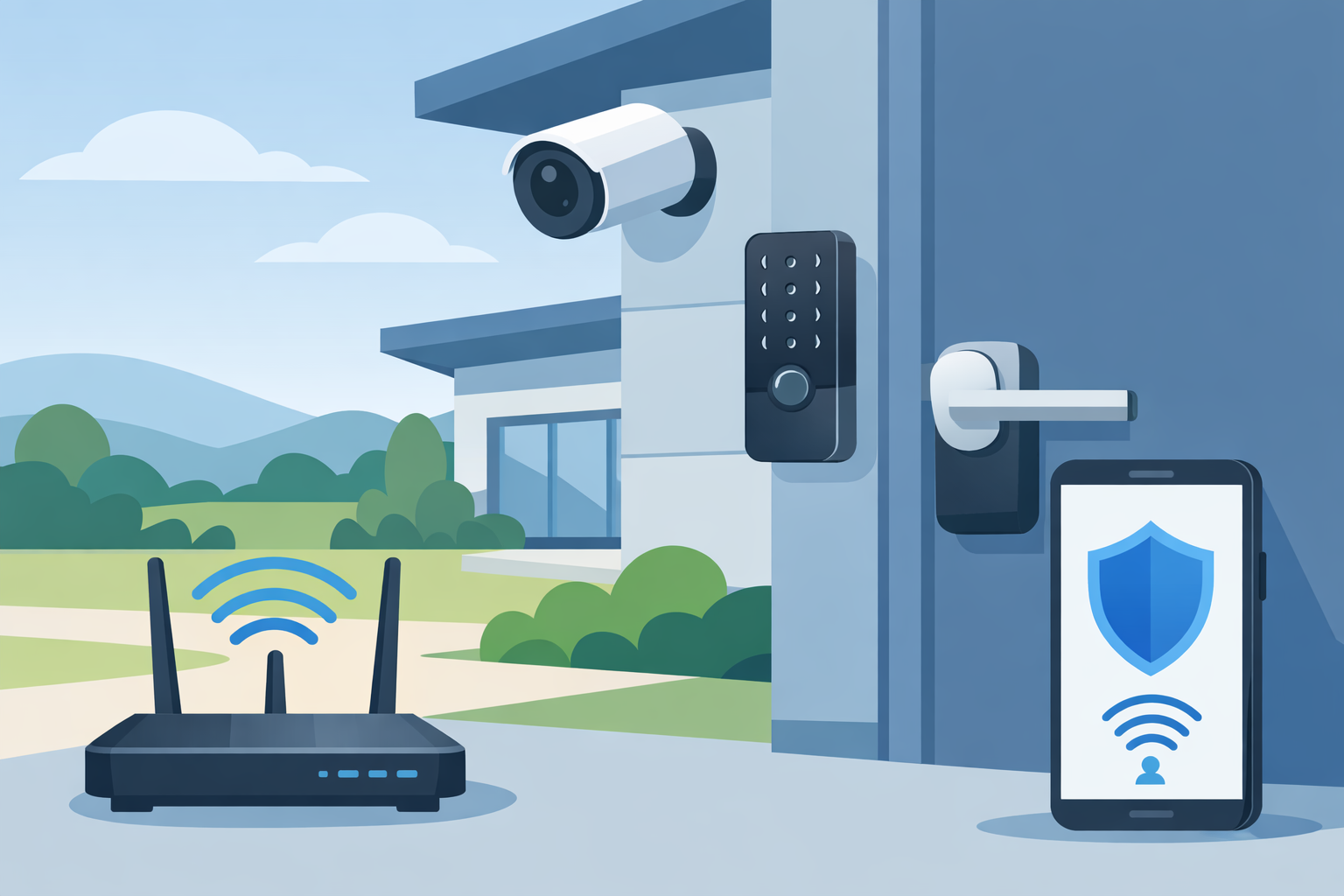
Smart home technology is meant to make life easier and safer. From smart locks and cameras to voice assistants and connected appliances, these devices can simplify daily routines and give you peace of mind. But if they’re not set up properly, they can also become entry points for cybercriminals.
That’s why smart home security starts with your network. Every device connected to your Wi-Fi—phones, TVs, cameras, speakers, thermostats—acts like a computer on your network. If one device is vulnerable, it can expose the rest of your home.
The good news is that keeping your smart home safe doesn’t require advanced tech skills. With a few simple steps, you can secure your network and enjoy your connected devices without worry. Whether you’re a homeowner or an authorized retailer helping clients feel confident, these best practices apply to any smart home setup.
Most people think smart home security is only about cameras and door locks. In reality, the network is the foundation. If your router is weak or unprotected, attackers can gain access to all connected devices.
Here’s the key point: your Wi-Fi network is the gateway to your smart home. That’s why you should treat your router like a security system—not just a device that provides internet.
Every router includes wireless encryption settings that control how devices connect to your network. This encryption requires a network key—your Wi-Fi password. Without strong encryption, anyone within range can attempt to access your network.
Most routers offer three encryption options:
WEP and WPA are outdated and vulnerable. For reliable security, always use WPA2, which offers the best protection for most home networks.
A strong Wi-Fi password is essential, but your smart home accounts also need protection. Many homeowners worry about their smart home being hacked if a password is compromised. That’s why two-factor authentication (2FA) is crucial.
2FA requires two things to log in:
This means even if a hacker knows your password, they still cannot access your account without the second verification step.
This is especially important for smart home devices like cameras and door locks, where unauthorized access can become a real safety issue.
For smart home platforms, many options include 2FA, including popular products like Vivint products.
Related Articles:
Vivint Smart Lock: Remote locking and unlocking and more
You may want to share Wi-Fi with guests, but you don’t want them to access your personal devices or sensitive data. A guest network solves this problem.
A guest network:
This is one of the simplest and most effective ways to reduce risk without sacrificing convenience.
Strong passwords are the first line of defense for every device and account. Yet, many people still use weak or repeated passwords.
According to research, almost 80% of Americans use weak passwords to protect their digital lives. That statistic may be unsettling, but it highlights why password security matters.
Here’s how to create a strong password:
For extra security, consider using a password manager to store and generate strong passwords for every account.
One of the easiest ways to protect your smart home is to keep all devices updated. Smart devices receive security updates regularly, and skipping updates can leave you vulnerable.
Here’s what you should update regularly:
Updates often include security patches that protect against new threats. So even if your devices are working fine, updating them matters.
If you’re an authorized retailer, this is a key opportunity to educate clients. When customers understand that smart home security starts with the network, they feel more confident buying and installing devices.
You can help clients by explaining these essentials:
When customers see that smart home technology can be secure, they’re more likely to adopt it and trust the products.
When setting up a smart home, a stable internet connection matters just as much as device security. As an authorized retailer, you can offer solutions that fit your customers’ needs.
Here are some options you can share:
These services provide reliable connectivity and support for smart home devices, which is essential for maintaining security and performance.
Keeping your smart home secure doesn’t require advanced tech skills. With a few simple steps, you can protect your network and devices from common threats.
If you’re helping customers as a retailer, you can empower them with knowledge and reassurance. The key is to focus on the basics: strong encryption, 2FA, guest networks, strong passwords, and regular updates.
With the right setup, smart home technology can deliver convenience, comfort, and peace of mind—without compromising security.
If you’re interested in becoming a retail partner or learning more about smart home and internet solutions, contact us today.


How to Verify a Telecom Dealer Before You Partner
Mar 27, 2026

How to Run a Successful Franchise Without Guesswork
Mar 20, 2026
Fix WiFi Sign-In Issues on Android (2026 Guide)
Mar 18, 2026
Equipment Loans: Smart Funding or Costly Mistake?
Mar 17, 2026

5G / 6G: What Dealers Must Prepare For
Mar 16, 2026


4
Mar, 2026
HOME SECURITY
Marketing your business online is no longer optional—it’s a fundamental part of modern growth. Whether...

20
Feb, 2026
HOME SECURITY
In an increasingly competitive business environment, companies are under constant pressure to operate more efficiently...
18
Feb, 2026
HOME SECURITY
Business security has moved far beyond traditional alarm systems and basic CCTV cameras. Today’s smart...