CELL PHONE BUSINESS
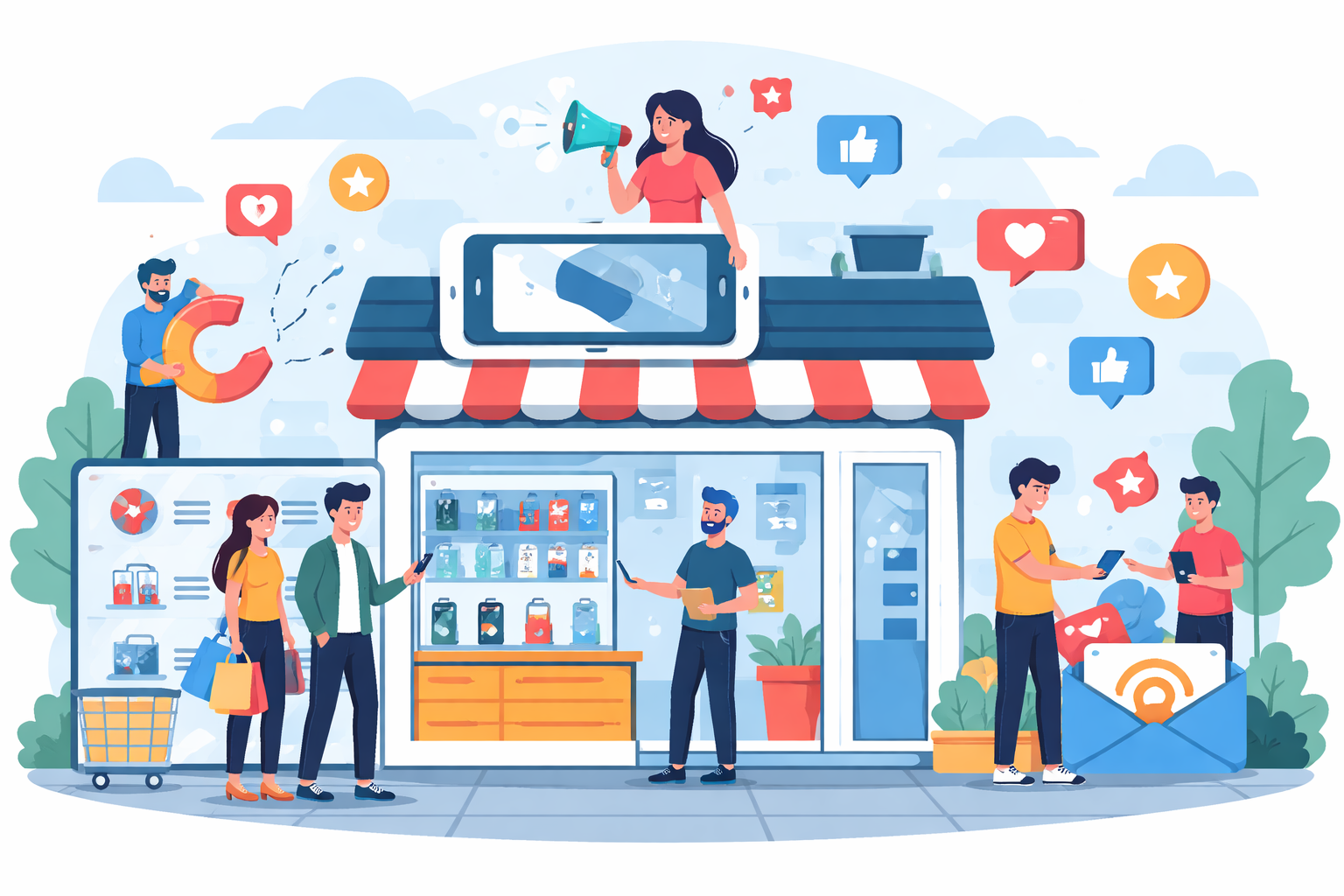
10 Smart Marketing Strategies for a Cell Phone Business
The mobile phone market continues to grow rapidly, and with that growth comes intense competition....
Learn More

 December 10, 2025
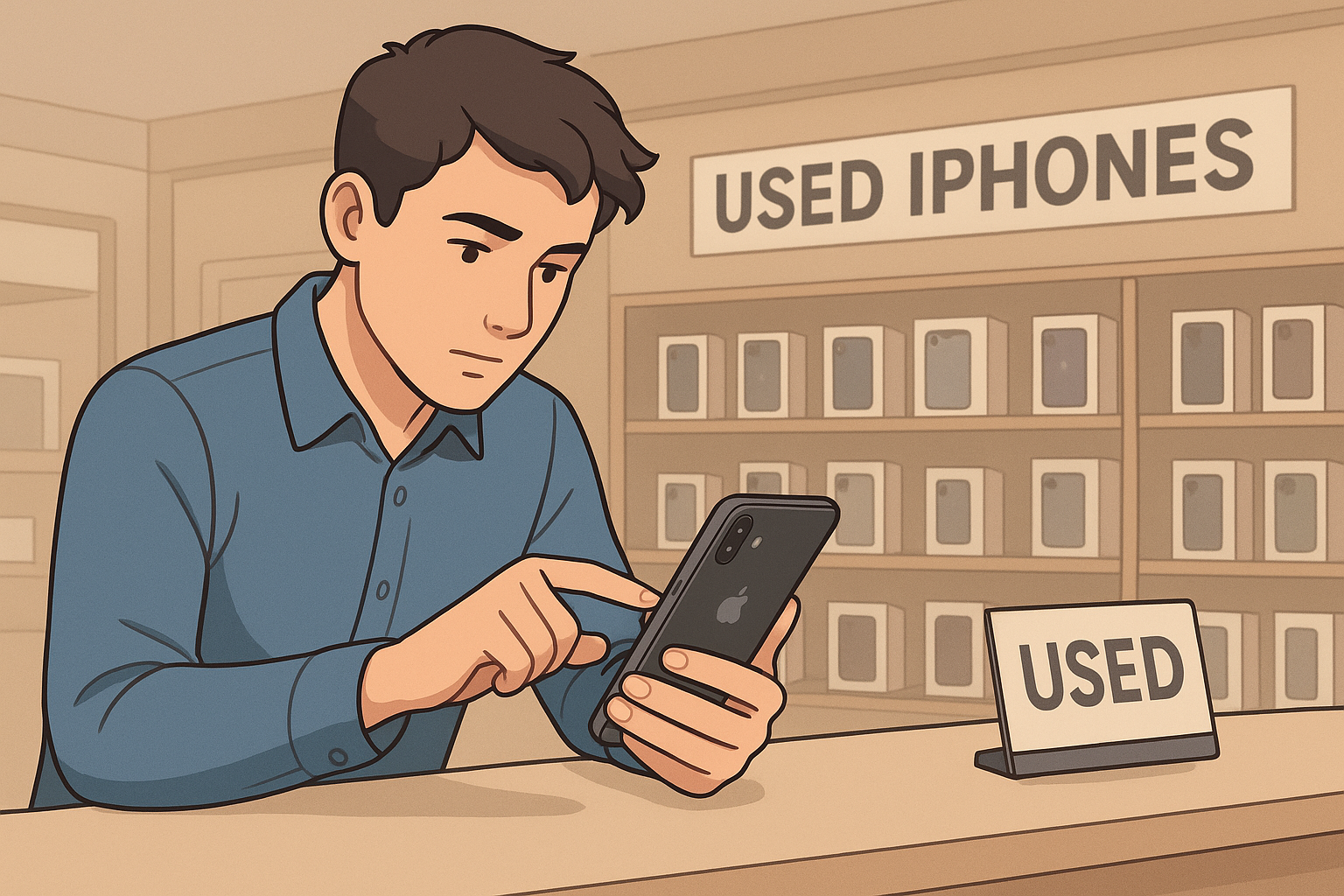
Buying a used iPhone can be a great way to enjoy Apple’s premium features without the hefty price tag. But if you’re not careful, what seems like a bargain can quickly turn into an expensive regret. From hidden defects to stolen devices, the secondhand smartphone market is filled with risks that every buyer should be aware of.
In recent years—especially after the global economic slowdown—more consumers have shifted toward the used iPhone market instead of purchasing brand-new units. Why pay full retail for a new iPhone when you can own a lightly used model with the same features for hundreds less?
However, purchasing a secondhand device requires a bit of homework. Below are the most important checks and practical tips to help you make a safe, smart purchase and get the best value for your money.
The iPhone remains one of the most sought-after smartphones in the world. Its reliability, design, and performance make it a premium choice. But not everyone wants to spend over $700 on the latest release. That’s why the pre-owned market has become a popular alternative.
Buying a used iPhone can give you access to high-end features such as Face ID, Liquid Retina HD display, and the powerful A13 Bionic chip at a fraction of the original price. Many devices even look and perform like new. Platforms and individual resellers now offer certified refurbished units that have undergone strict quality inspections.
Yet, not every deal is as good as it seems. Without proper inspection, you could end up with a locked or damaged phone—or worse, a stolen one. Here’s a step-by-step guide to avoid those pitfalls.
Every iPhone has a unique identifier called an IMEI (International Mobile Equipment Identity) number. This number helps confirm the device’s authenticity and status. Before meeting with a seller, ask for the IMEI number and run it through trusted IMEI blacklist checkers online.
These tools reveal whether the phone has been reported as lost, stolen, or blocked by a carrier. If the device is flagged, walk away immediately. A legitimate seller should have no problem sharing this information with you.
To double-check, type *#06# on the iPhone keypad or go to Settings > General > About to find the IMEI. Compare it with the number provided by the seller. If they don’t match, consider it a serious red flag—this could indicate a swapped or tampered device.
Verifying the IMEI not only protects you from fraud but also ensures that your future iPhone will work seamlessly with your chosen network provider.
Apple maintains a detailed database for all of its devices, including coverage and warranty details. Before making your purchase, go to Apple’s official Check Coverage page and input the phone’s serial number.
You’ll be able to see:
This information is crucial because sellers may exaggerate claims like “it’s still under warranty” or “I bought it just a year ago.” By checking Apple’s system directly, you can verify the truth before making a deal.
To find the serial number, visit Settings > General > About on the iPhone. Always verify it on the day of exchange to ensure it’s the same device you’re purchasing.
You might also want to explore the potential resale value of your own old phone later on. Understanding how much you can make selling used cell phones can help you assess the true worth of the secondhand market and make better buying decisions.
Apple’s Activation Lock feature is designed to protect owners from theft. It’s linked to the “Find My” feature and ensures that only the original owner can reactivate or reset the device.
If an iPhone is locked to someone else’s Apple ID, you won’t be able to use it. To avoid this, ensure the seller removes their account before handing over the phone. Have them go to Settings > General > Transfer or Reset iPhone > Erase All Content and Settings to perform a full reset.
If they claim they can’t do it or refuse to sign out of iCloud, do not proceed with the purchase—it’s likely a stolen or blacklisted device.
You can confirm this by logging into iCloud.com using your own Apple ID once the phone is wiped. Only then can you safely set up the device as new.
For buyers who plan to resell or upgrade later, understanding where to source quality pre-owned phones helps. Platforms that list used business mobile phones can also serve as reliable references for authentic and unlocked devices.
Even if the phone passes all online checks, you should never buy a used iPhone without testing it in person. A physical inspection ensures that the device works properly and hasn’t suffered hidden damage.
The display should respond to every touch with no dead zones. Increase and decrease the brightness to ensure proper calibration, and inspect the screen for discoloration or uneven lighting. A white background should look pure white—any yellowish tint may indicate previous repair or screen replacement.
To test the touchscreen, press and hold an app icon until it jiggles, then drag it to all corners of the screen. If it fails to move smoothly in certain areas, the digitizer may be faulty.
Test the volume buttons, mute switch, and power button. Each should provide tactile feedback and work consistently. Plug in a charger to confirm charging stability, and test wired or wireless headphones to ensure proper sound output.
If the charging port feels loose or charging stops intermittently, mention it immediately. Minor issues like this can escalate into costly repairs later.
Apple’s iPhones are known for their camera quality, so be sure both the front and rear cameras function correctly. Open the Camera app, tap to focus, and take test photos and videos. The autofocus should respond quickly, and images should appear clear, not blurry or foggy.
The iPhone 11, for example, has a 12 MP front-facing camera—so anything below crisp, high-quality images is a sign of a defect.
Liquid exposure is a major concern. You can check the Liquid Contact Indicator (LCI) by removing the SIM tray. If you see red inside the SIM slot, the device has come into contact with moisture, meaning potential internal damage.
Connect the phone to Wi-Fi, Bluetooth, and cellular data. Make a test call, record a short voice memo, and play it back to ensure the microphones and speakers are working properly.
A quick full-function check helps confirm that you’re not buying a phone with hidden flaws that could cost you later.
Battery performance is one of the most critical aspects of any used smartphone. iPhones allow users to check their battery’s condition under Settings > Battery > Battery Health & Charging.
Ideally, the Maximum Capacity should be above 85%. Anything lower means the battery has significantly degraded and might require replacement soon. If the seller is unaware of the health percentage or refuses to show it, that’s another warning sign.
You can also ask whether the battery has been replaced. While a new battery can be a good thing, non-original replacements might affect performance or void Apple’s repair eligibility.
Not all used iPhones are priced fairly. Research market values based on the model, storage, and condition. Check online marketplaces, certified refurbishers, and local shops for comparison.
If you’re buying from an individual, look for consistent communication, transparency, and proof of ownership. Avoid sellers who rush the transaction or refuse to meet in a public place.
Certified dealers and trusted wholesalers like JNA Dealer Program offer a safer and more reliable way to source secondhand devices. They inspect, test, and verify authenticity before selling, ensuring peace of mind for buyers.
Before finalizing your purchase, ask the seller about their return or exchange policy. Reputable resellers often provide limited warranties or a return window if issues arise. Private sellers, however, typically sell devices “as is.”
If you’re buying online, read the platform’s protection policies carefully. Services that hold payment in escrow until you confirm delivery can reduce the risk of fraud.
Some refurbishers also include short-term warranties for parts or battery replacements. Even 30 days of coverage can be enough to test the device thoroughly.
Buying a used iPhone doesn’t have to be risky. By following these essential steps—verifying the IMEI, checking Apple’s coverage, confirming Activation Lock, testing hardware, and assessing the seller’s credibility—you can find a device that looks, feels, and performs like new.
Take your time and don’t rush the process. A careful inspection ensures that your purchase is legitimate and worth every dollar spent. Whether you’re upgrading your daily driver or reselling for profit, making informed choices will always pay off.


How to Run a Successful Franchise Without Guesswork
Mar 20, 2026
Fix WiFi Sign-In Issues on Android (2026 Guide)
Mar 18, 2026
Equipment Loans: Smart Funding or Costly Mistake?
Mar 17, 2026

5G / 6G: What Dealers Must Prepare For
Mar 16, 2026
Comcast Business vs Residential Internet (2026 Guide)
Mar 13, 2026

10
Mar, 2026
CELL PHONE BUSINESS
The mobile phone market continues to grow rapidly, and with that growth comes intense competition....

2
Mar, 2026
BUY PHONES IN BULK
The resale market for used smartphones is stronger than ever. Rising device prices, growing environmental...
2
Feb, 2026
CELL PHONE BUSINESS
Running a successful cell phone store today requires more than just stocking the latest devices....