COMCAST
Comcast Business vs Residential Internet (2026 Guide)
Choosing between Comcast Business Internet and Comcast Residential Internet can feel confusing at first. Both services connect...
Learn More

 March 9, 2026
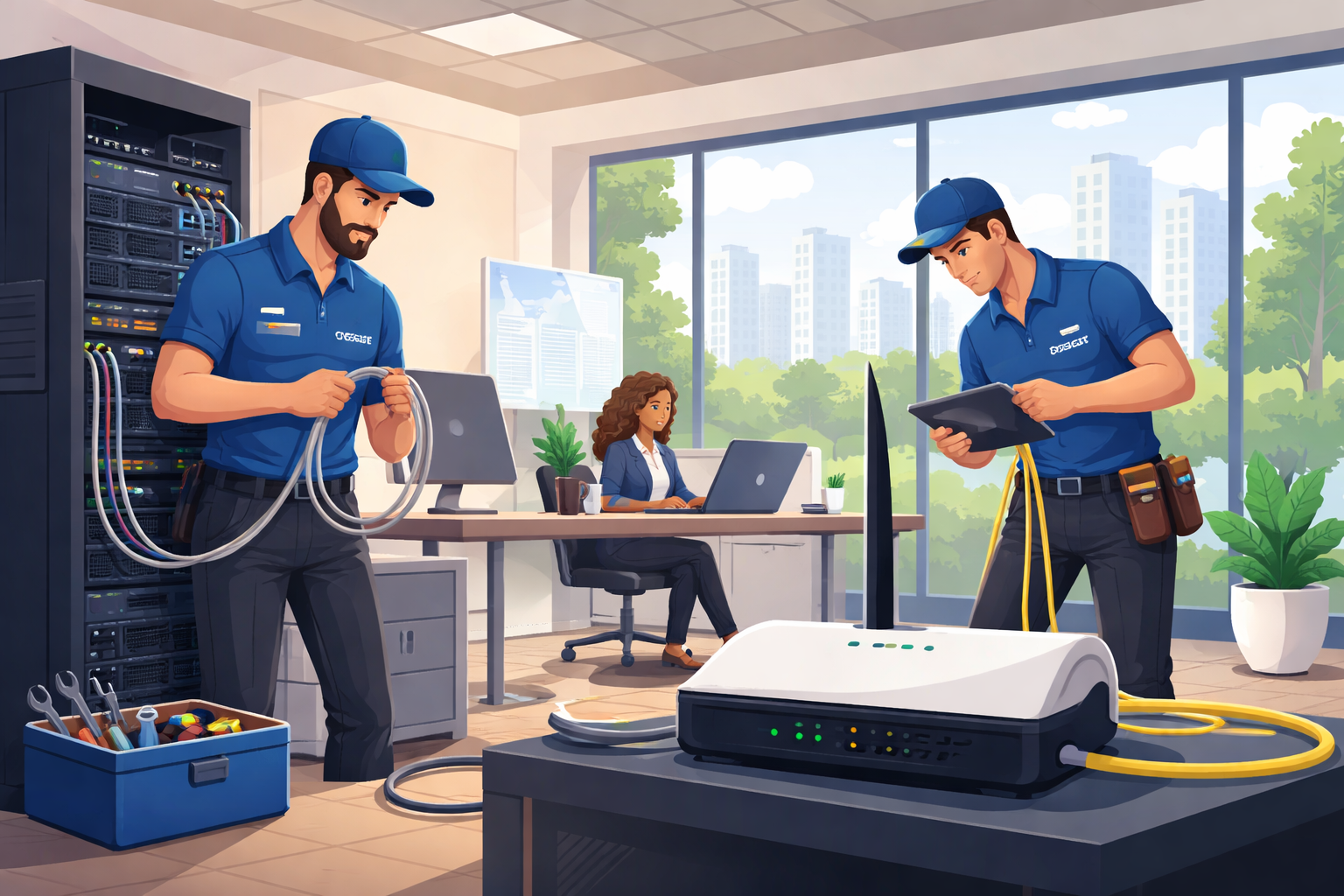
Setting up Comcast Business Internet is an important step for companies that rely on fast, stable connectivity. Whether you run a small office, retail shop, or multi-location operation, dependable internet access supports daily communication, cloud services, payments, and customer engagement.
However, installation issues can sometimes delay the process. Equipment configuration problems, activation delays, or network setup complications can slow down your deployment and interrupt business operations. The good news is that most of these challenges can be resolved quickly when they are properly identified.
This guide explains the most common Comcast Business installation issues, why they occur, and how to resolve them efficiently so your business can get connected without unnecessary downtime.
While Comcast Business services are designed for reliability and scalability, installation can involve several technical steps. Any complication during these steps may delay the activation of your service.
Below are the most common installation challenges businesses encounter.
One of the most frequent issues businesses face is delayed service activation. Even after equipment is installed, the internet connection may not immediately go live.
Activation delays can occur for several reasons:
Network provisioning still pending in Comcast systems
Incorrect service configuration
Missing account verification steps
Installation scheduling conflicts
These delays are often resolved through backend configuration adjustments, but understanding the service plan you selected can also help avoid misconfiguration. Knowing the plans available to businesses ensures the right service tier is provisioned for your location.
Business internet installations usually include several devices such as:
Modems
Routers
Gateways
Voice equipment
Security appliances
Improper installation or incorrect configuration of any device can lead to connection issues. Common setup problems include:
Incorrect modem activation
Router misconfiguration
Faulty Ethernet connections
Firmware mismatches
These issues can typically be fixed by verifying the hardware configuration and ensuring devices are properly registered within the Comcast network.
Sometimes the installation appears successful, but users experience unstable or slow internet shortly afterward.
Post-installation connectivity problems may include:
Intermittent signal loss
Slow network speeds
Wi-Fi coverage issues
High latency
Businesses that depend on cloud systems, payment processing, or VoIP services are particularly sensitive to these issues. Understanding how reliable connectivity supports operations is essential for long-term success, especially when evaluating how comcast Internet supports modern companies.
Another installation complication can arise from selecting an internet plan that does not match the business’s operational needs.
Common symptoms of an incorrect plan include:
Bandwidth limitations
Poor performance during peak hours
Difficulty supporting multiple users or devices
Choosing the appropriate bandwidth and service features during the installation stage prevents future upgrades or network reconfigurations.
Understanding why installation problems occur can help businesses prepare for a smoother setup.
In some locations, additional infrastructure may be required before service can be activated. This may involve:
Extending network lines
Installing signal amplifiers
Configuring building wiring
These upgrades sometimes require permits or coordination with building management.
Businesses often underestimate how much preparation is needed before installation. A technician may arrive to find that:
Network closets are not accessible
Cabling routes are blocked
Power outlets are unavailable
Equipment racks are not installed
Ensuring the installation site is fully prepared can significantly reduce delays.
Even when equipment is properly installed, configuration issues can occur during:
Router setup
Static IP assignment
VLAN configuration
Security settings
These technical adjustments are essential for businesses that run internal networks or server-based applications.
Working with an authorized Comcast dealer can dramatically reduce the complexity of installation.
Authorized dealers specialize in business deployments and provide support before, during, and after the installation process.
Dealers often begin by evaluating your business requirements to ensure the correct service is selected.
This planning stage may include:
Bandwidth analysis
Device and user estimates
Network infrastructure assessment
Location eligibility checks
Proper planning minimizes the risk of installation delays and performance issues.
Authorized dealers have direct communication channels with Comcast provisioning teams. This allows them to escalate problems faster than standard support channels.
When issues arise, they can quickly coordinate solutions such as:
Service activation fixes
Equipment replacements
Network configuration adjustments
This streamlined process can significantly reduce downtime during installation.
Every business network is different. A retail store, medical clinic, and logistics company all require different connectivity solutions.
Authorized dealers help tailor installations by considering factors such as:
Network traffic volume
Number of connected devices
Cloud software usage
Security requirements
These custom solutions ensure the network performs reliably once the installation is complete.
If your installation is already underway and issues arise, several troubleshooting steps can help identify the root cause.
If your service has not been activated as scheduled, start by verifying the following:
Confirm the installation appointment date
Check if additional building approvals are required
Ensure account verification is complete
You should also verify that all requested documentation has been submitted to avoid administrative delays.
When devices are not functioning properly after installation, follow these steps:
Verify all Ethernet cables are securely connected
Confirm modem and router power connections
Restart the modem and router
Check indicator lights on the modem
If issues persist, contacting your installation provider can help diagnose hardware or configuration problems.
When internet speeds are slower than expected or connections drop frequently, troubleshooting should include:
Testing speeds through a wired connection
Checking for network congestion
Verifying router configuration
Evaluating Wi-Fi signal strength
Businesses operating with remote employees or hybrid teams should ensure their network is optimized for distributed access. Reliable connectivity plays a major role in supporting modern work environments and remote collaboration, particularly when considering of maintaining stable connections for teams across multiple locations.
Security should always be part of the installation process. An unsecured network can expose business systems to data breaches, malware, and unauthorized access.
Taking a proactive approach to security protects both company operations and customer data.
One of the first steps after installation is setting up secure wireless access.
Best practices include:
Using WPA3 or WPA2 encryption
Creating complex Wi-Fi passwords
Separating guest and internal networks
These measures prevent unauthorized devices from accessing your business network.
Most Comcast Business gateways include built-in firewall protection. Activating these features helps block malicious traffic and prevents external threats from accessing internal systems.
Firewalls can also be configured to control access for specific applications and devices.
Firmware updates are critical for maintaining both performance and security. Router and modem updates often include patches that fix vulnerabilities and improve network stability.
Businesses should periodically check for updates to ensure their infrastructure remains protected.
Some businesses choose to extend protection beyond basic network security. For example, additional monitoring or surveillance solutions may be implemented alongside the internet connection.
Businesses exploring additional protection measures often look into services related to security to enhance overall operational safety.
Preventing installation problems is often easier than fixing them. Following several best practices can help ensure a smoother deployment.
Before installation day:
Clear access to network areas
Ensure power outlets are available
Confirm equipment placement
Verify building access permissions
These preparations help technicians complete the installation efficiently.
Businesses should also consider future expansion during installation. Adding extra bandwidth capacity or scalable equipment now can prevent costly upgrades later.
Growth planning is especially important for companies that expect:
Increased staff
More connected devices
Higher data usage
Cloud software adoption
Once installation is complete, businesses should test their network to verify everything is working properly.
Recommended tests include:
Speed testing
Device connectivity checks
Wi-Fi coverage verification
VoIP call testing
Identifying issues early allows them to be corrected before they affect operations.
Comcast Business Internet can provide the fast, reliable connectivity companies need to operate efficiently in a digital environment. While installation challenges can occur, most problems are manageable when businesses understand the process and take proactive steps to prepare.
By recognizing common installation issues, preparing the site properly, and troubleshooting effectively, businesses can significantly reduce delays. Working with experienced providers also ensures that technical challenges are resolved quickly and professionally.
With the right planning and support, your Comcast Business installation can move smoothly from setup to full operational connectivity.

How to Verify a Telecom Dealer Before You Partner
Mar 27, 2026

How to Run a Successful Franchise Without Guesswork
Mar 20, 2026

Fix WiFi Sign-In Issues on Android (2026 Guide)
Mar 18, 2026

Equipment Loans: Smart Funding or Costly Mistake?
Mar 17, 2026

5G / 6G: What Dealers Must Prepare For
Mar 16, 2026


13
Mar, 2026
COMCAST
Choosing between Comcast Business Internet and Comcast Residential Internet can feel confusing at first. Both services connect...
22
Jan, 2026
COMCAST
A smart home is only as good as the internet connection behind it. When dozens...

1
Sep, 2025
COMCAST
When it comes to running a business in 2025, speed is everything—whether it’s serving your...