COMCAST
Comcast Business vs Residential Internet (2026 Guide)
Choosing between Comcast Business Internet and Comcast Residential Internet can feel confusing at first. Both services connect...
Learn More

 January 22, 2026
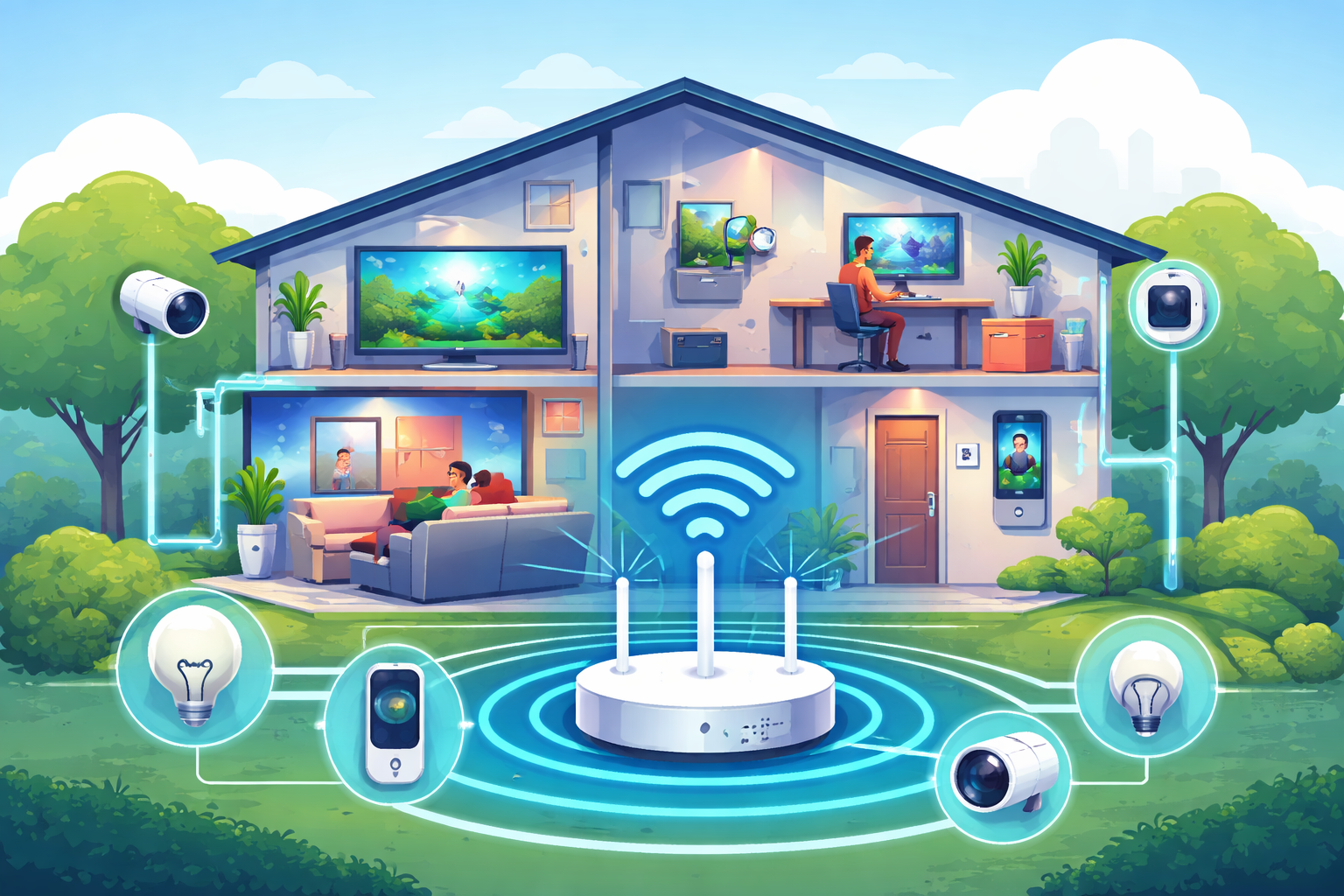
A smart home is only as good as the internet connection behind it. When dozens of devices are connected at once—TVs, cameras, voice assistants, thermostats, phones, and laptops—even a small slowdown can ripple across your entire setup. Streaming buffers, smart lights lag, and voice commands stall mid-sentence.
Choosing the right Comcast Internet speed is no longer about casual browsing. It’s about supporting always-on devices, high-resolution streaming, cloud backups, gaming, and real-time control without friction. This guide breaks down Comcast speed tiers, explains what smart homes and 4K streaming actually require, and helps you confidently choose a plan that keeps everything running smoothly.
Comcast Xfinity offers both residential and business internet plans, each designed for different usage patterns and reliability expectations. For most households, residential plans provide more than enough download speed. However, smart homes place unique demands on upload capacity, latency, and consistency.
Residential plans are optimized for consumption—streaming, browsing, gaming, and connected devices. Business plans prioritize stability, faster uploads, and service guarantees. Knowing which one aligns with your setup can save money and prevent frustration later.
If you want a deeper breakdown of plan selection factors, this overview on how to choose the right Comcast plan explains how usage habits, device counts, and performance priorities influence the best choice.
Comcast structures its plans into clear speed tiers, each suited to a specific household profile. Understanding what each tier supports helps avoid both underbuying and overpaying.
This tier works well for smaller households with basic smart home setups. It comfortably supports web browsing, video calls, HD streaming, and a handful of connected devices.
If your home includes a smart speaker, thermostat, a few bulbs, and one or two TVs streaming in HD, this range can perform reliably. However, once 4K streaming or multiple users enter the picture, limitations become noticeable.
For most smart homes, this is the sweet spot. Mid-tier plans handle multiple 4K streams, online gaming, video conferencing, and dozens of IoT devices without congestion.
Homes with security cameras, smart displays, doorbells, and multiple TVs benefit greatly from this range. It provides enough headroom to absorb spikes in usage without degrading performance.
Gigabit plans are designed for heavy users. If your household regularly streams 4K on multiple screens, uploads large files, works remotely, and runs data-intensive smart systems, this tier offers peace of mind.
Creative professionals, gamers, and large families often gravitate here for the added stability and future-proofing.
Comcast’s highest residential offerings reach up to 2 Gbps in select areas. These plans shine in homes with advanced automation, media servers, and heavy simultaneous usage.
While not necessary for most households today, they make sense for users who want maximum performance without compromise.
Comcast markets its infrastructure as a “10G network,” referring to network capacity and future readiness—not residential speeds. Current home plans still cap at 2 Gbps, which remains more than sufficient for even the most demanding smart homes.
4K streaming is one of the most bandwidth-intensive everyday activities in a modern home. A single 4K stream typically requires around 25 Mbps under optimal conditions. Add HDR, higher frame rates, or platform overhead, and usage increases.
One stream may seem manageable, but households rarely stop at one. Two TVs streaming 4K, a tablet playing video, and background downloads can quickly exceed 100 Mbps. That’s before factoring in smart devices running in the background.
For consistent 4K streaming across multiple screens, 400 Mbps provides a comfortable baseline. Homes that frequently stream on three or more displays simultaneously benefit from gigabit speeds, especially during peak evening hours.
Smart homes aren’t just about speed—they depend heavily on latency and upload performance.
Security cameras constantly upload footage, especially cloud-based systems. Doorbells stream video in real time. Voice assistants rely on low latency to feel responsive. While individual devices may use modest bandwidth, their combined demand adds up quickly.
Latency plays a critical role in how “smart” your home feels. High latency causes delayed responses, missed commands, and unreliable automation routines. Even with fast download speeds, poor latency can make devices feel sluggish.
Comcast has introduced Ultra-Low Latency (L4S) technology to address real-time performance issues. By reducing network delay, this technology improves responsiveness for gaming, video calls, and smart device control.
For households with interactive smart systems—voice control, automation triggers, live camera feeds—lower latency significantly improves day-to-day usability. Commands execute faster, streams start quicker, and overall reliability improves.
Residential internet works well for most smart homes, but certain setups benefit from business-class service. The biggest difference lies in upload speeds and reliability guarantees.
Business plans often include symmetric upload speeds, which are valuable for homes with multiple security cameras, remote backups, or self-hosted services. They also offer stronger service level agreements, reducing downtime risk.
If coverage availability matters, this breakdown of nationwide coverage shows where Comcast business services are accessible and how they compare across regions.
While business plans cost more, they can be worthwhile for users who rely heavily on uploads or require near-constant connectivity.
Selecting the right speed is easier when you break it into practical steps rather than guessing.
Start by listing everything connected to your network—TVs, phones, laptops, cameras, speakers, appliances, and automation hubs. Smart homes often exceed 30 devices without realizing it.
Consider how many screens stream simultaneously and at what resolution. 4K streaming dramatically increases bandwidth needs compared to HD.
Homes with cloud-based cameras, remote work, or frequent file transfers should prioritize stronger upload performance.
Once you understand these factors, matching them to Comcast’s speed tiers becomes straightforward.
Comcast has shifted toward simplified pricing with longer-term stability. Many plans now include everyday pricing with five-year price guarantees, reducing unexpected cost increases.
Most mid- and high-tier plans include unlimited data, modem and gateway equipment, and advanced WiFi features. Faster plans may also bundle mobile service promotions, adding value for households already using Xfinity Mobile.
Bundling internet with TV or mobile services can further reduce monthly costs while consolidating billing.
User reviews consistently show that 300 Mbps handles moderate households well, even with multiple connected devices. However, performance can degrade when multiple 4K streams and uploads occur simultaneously.
Gigabit plans receive praise for stability during peak usage, especially in homes with gamers and remote workers. Upload limitations remain the most common complaint on residential plans, reinforcing the importance of matching speed to actual usage patterns.
Even the fastest plan underperforms with poor equipment or setup. Optimizing your home network ensures you get the speeds you’re paying for.
Using a DOCSIS 3.1 modem improves efficiency and future compatibility. A modern WiFi router or mesh system ensures consistent coverage throughout the home, especially for smart devices placed far from the gateway.
Proper router placement, channel optimization, and regular firmware updates also contribute to smoother performance.
For most smart homes running multiple connected devices and regular 4K streaming, Comcast plans in the 400–800 Mbps range offer the best balance of performance and value. They provide enough bandwidth for simultaneous streams, automation, and daily usage without unnecessary expense.
Larger households, gamers, and content creators benefit from stepping up to 1–2 Gbps plans for added stability and future-proofing. Combined with low-latency technology, reliable equipment, and thoughtful setup, the right Comcast speed transforms a smart home from frustrating to effortless.

How to Verify a Telecom Dealer Before You Partner
Mar 27, 2026

How to Run a Successful Franchise Without Guesswork
Mar 20, 2026

Fix WiFi Sign-In Issues on Android (2026 Guide)
Mar 18, 2026

Equipment Loans: Smart Funding or Costly Mistake?
Mar 17, 2026

5G / 6G: What Dealers Must Prepare For
Mar 16, 2026


13
Mar, 2026
COMCAST
Choosing between Comcast Business Internet and Comcast Residential Internet can feel confusing at first. Both services connect...
9
Mar, 2026
COMCAST
Setting up Comcast Business Internet is an important step for companies that rely on fast,...

1
Sep, 2025
COMCAST
When it comes to running a business in 2025, speed is everything—whether it’s serving your...